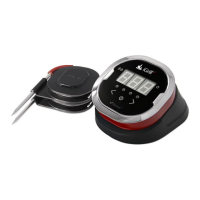
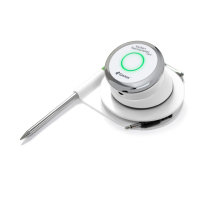
Using your iGrill with iPod Touch, iPhone or iPad:
Using your Apple device, go to the App Store and download the FREE iGrill App.
Turn Bluetooth On:
Step 1 Choose Settings
Step 2 Choose General
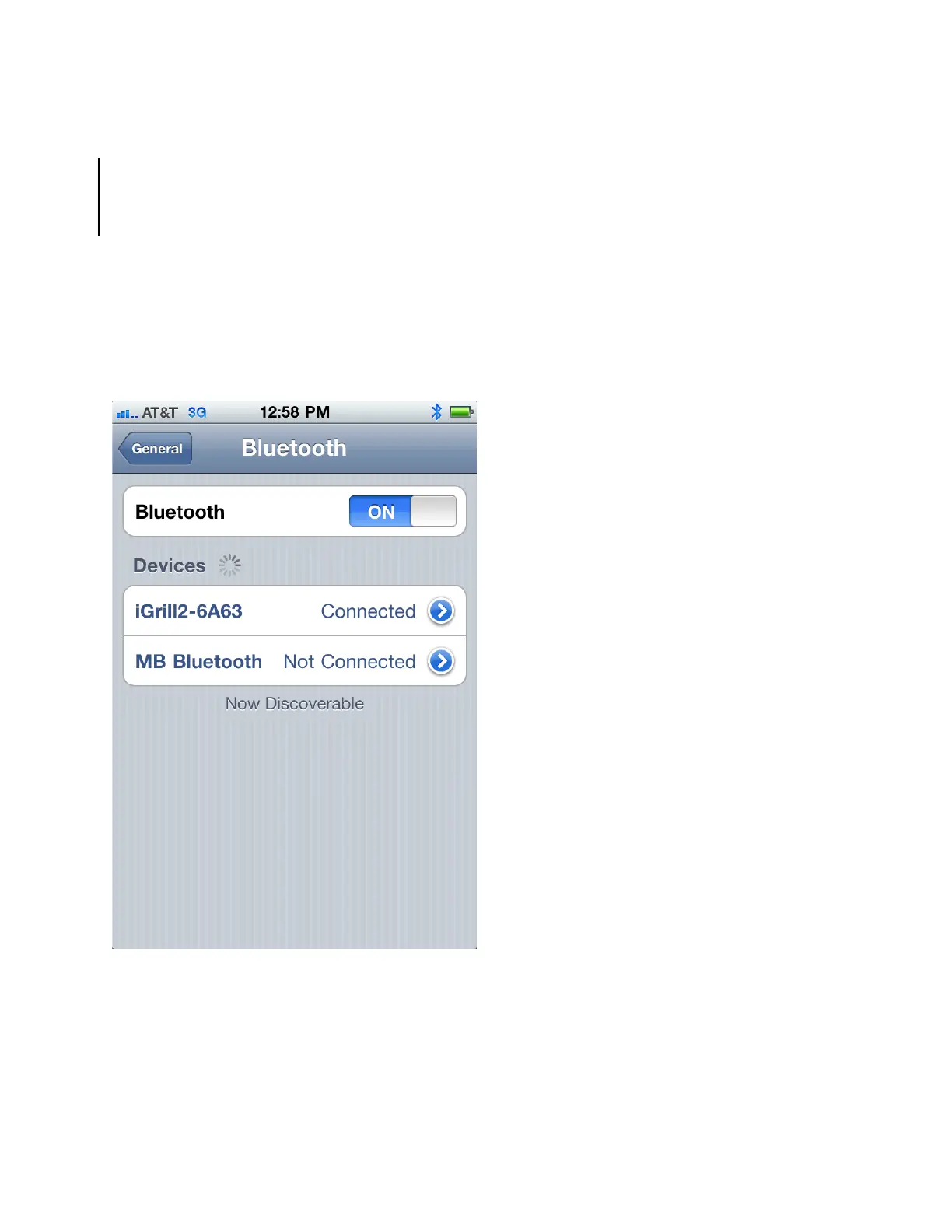
Step 3 Select Bluetooth, power Bluetooth on
Have your iGrill powered on next to you.
Once the Apple device pairs with the iGrill, connect and start cooking!

 To Next Page
 Loading...