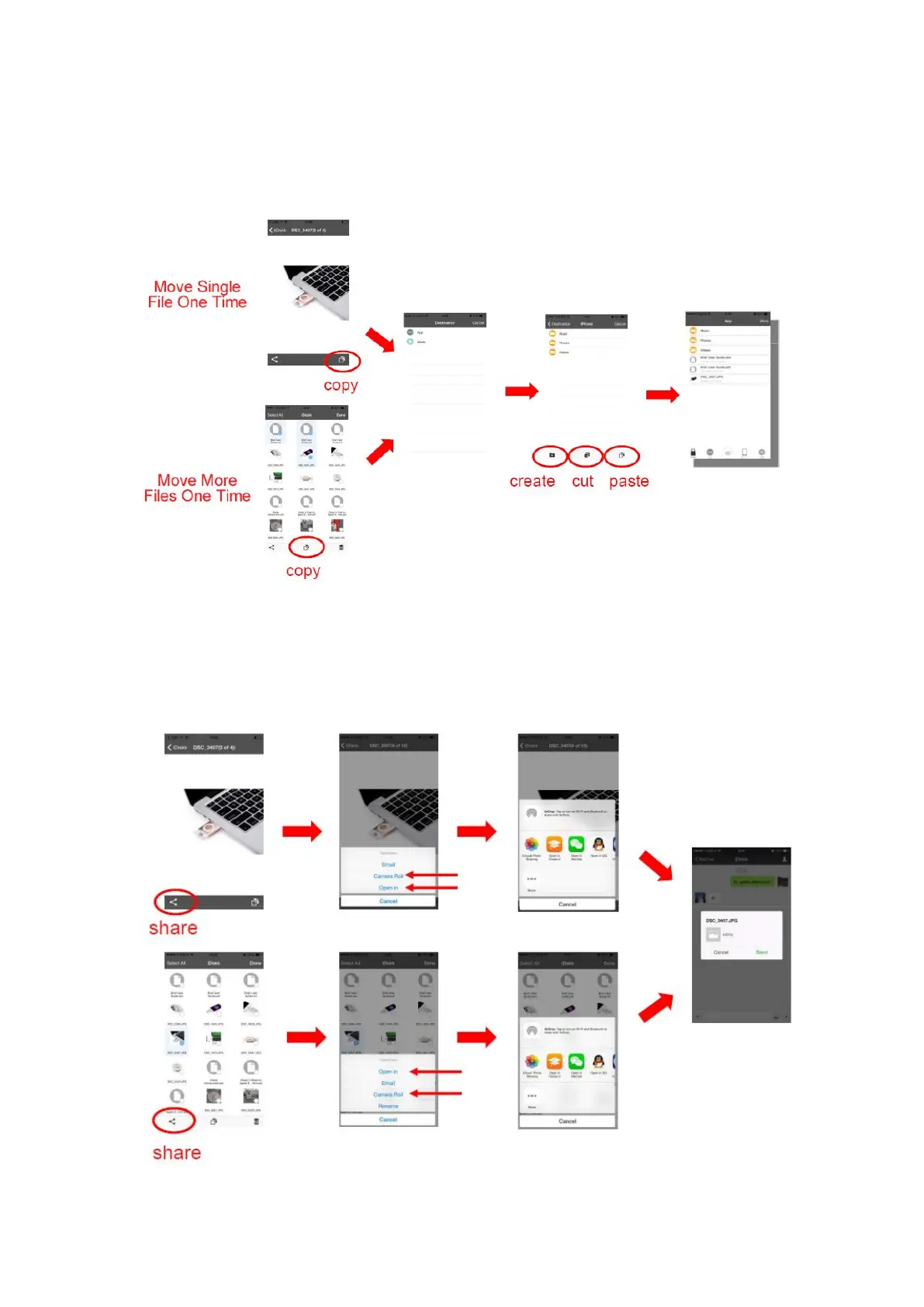
2. Move singe file is easy. Just press ‘copy’ button and choose destination then paste it.
To move multiple files at once, press More > Edit > Select files > Copy/Cut > Choose
destination > Paste. (Be sure you close ‘iCloud’ in your phone settings. Otherwise
some pictures will not be transferred)
3. To share photos with your friends, please follow two steps:
>Click the ‘Share’ button and ‘Open in’
>Select the App you want to share to. And your photos will be collected in your camera
roll if you choose the ‘Camera Roll’



 To Next Page