3.4 Basic Operation
3.4.1 Power on/power off
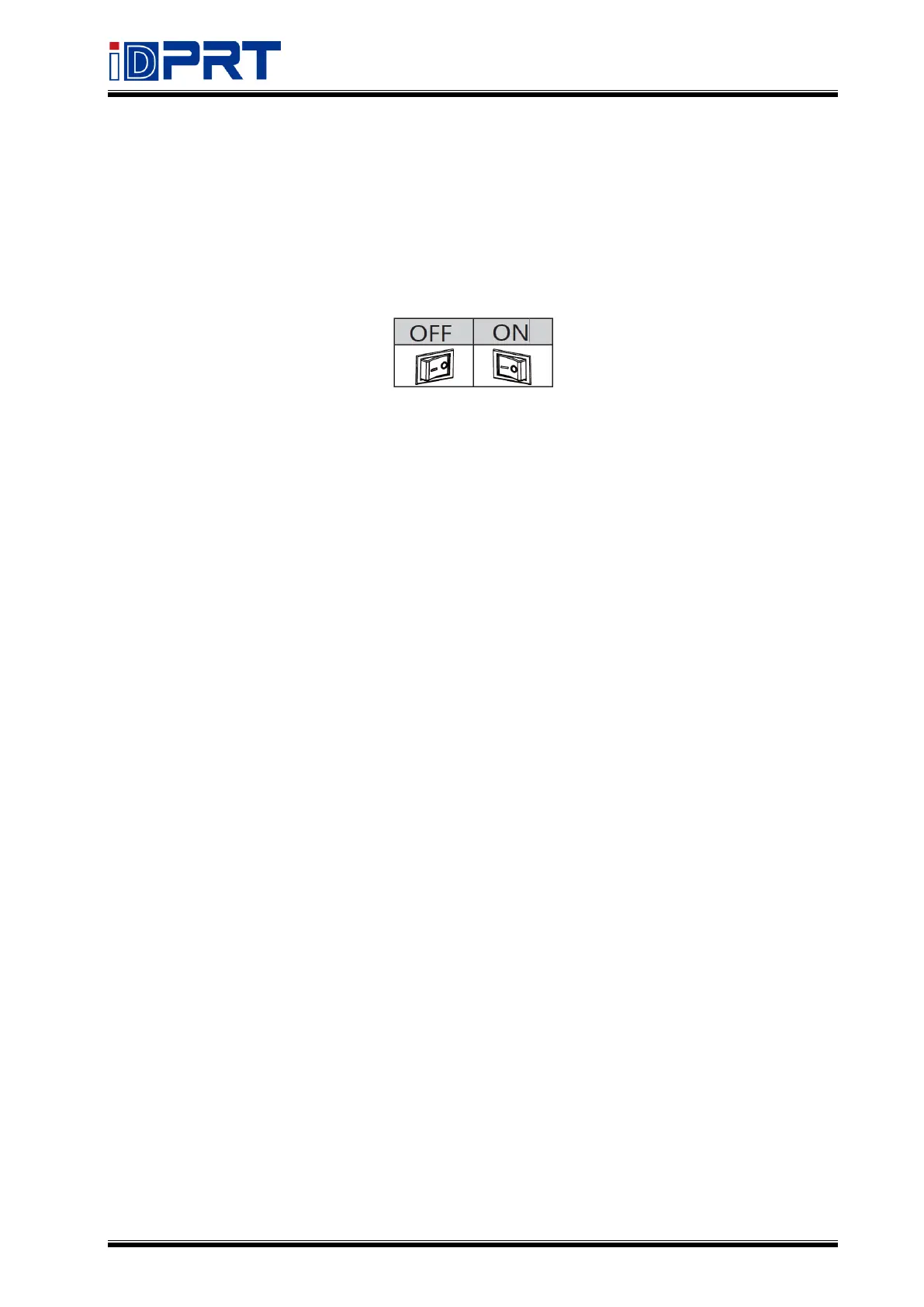
Press “O” to power off the printer. Press “l” to power on the printer.
3.4.2 Feed Button
● Switch mode
When the printer is in the ready status, press and hold the feed button until the blue indicator
light or orange indicator light flashes twice, then release the button and the printer will start
the black mark label learning. The label and black mark label can be switched to each other.
● Print the self-test page
When the printer is in the ready status, press and hold the feed button until the blue indicator
light flashes once, then release the button and the printer will print a self-test page.
● Label calibration/learning
When the printer is in the ready status, press and hold the feed button until the blue indicator
light flashes twice, then release the button and the printer will start label learning.
● Pause printing
When the printer is in printing, short press the feed button and the green indicator will flash
slowly, and the printer will be in the pause status. After a short press again, the printer returns
to the ready status and the green indicator will be always on.


 To Next Page