SP426 User Manual
3.3 Peripherals Connection
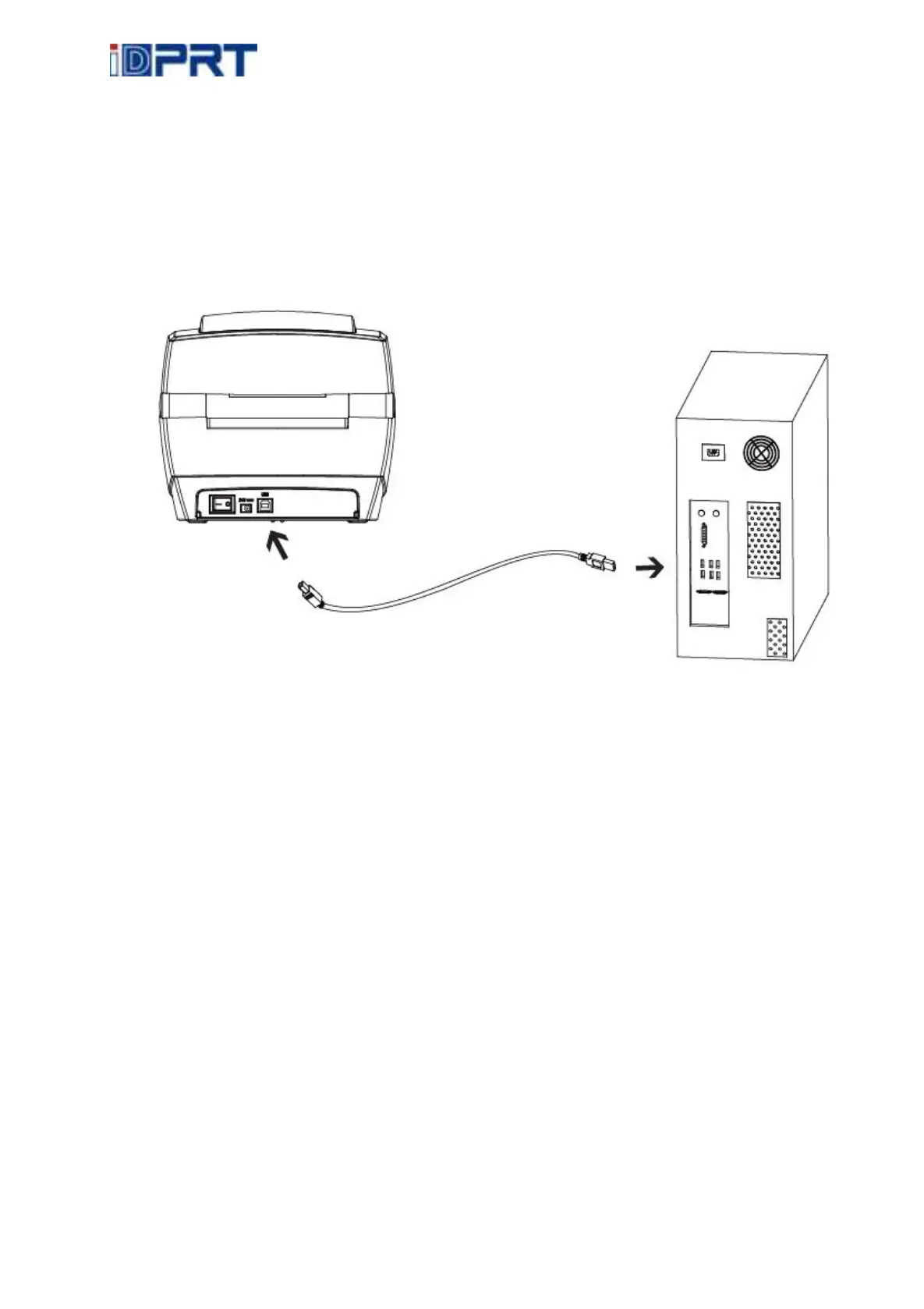
3.3.1 Interface Cable Connection
The standard for the printer’s interface cable shows in the following.
-- USB B-Type Cable
1) Turn off the power switch.
2) Connect the communication cable to the printer communication port to be used.
-- Connect USB B-Type cable to the USB port.



 To Next Page