SP426 User Manual
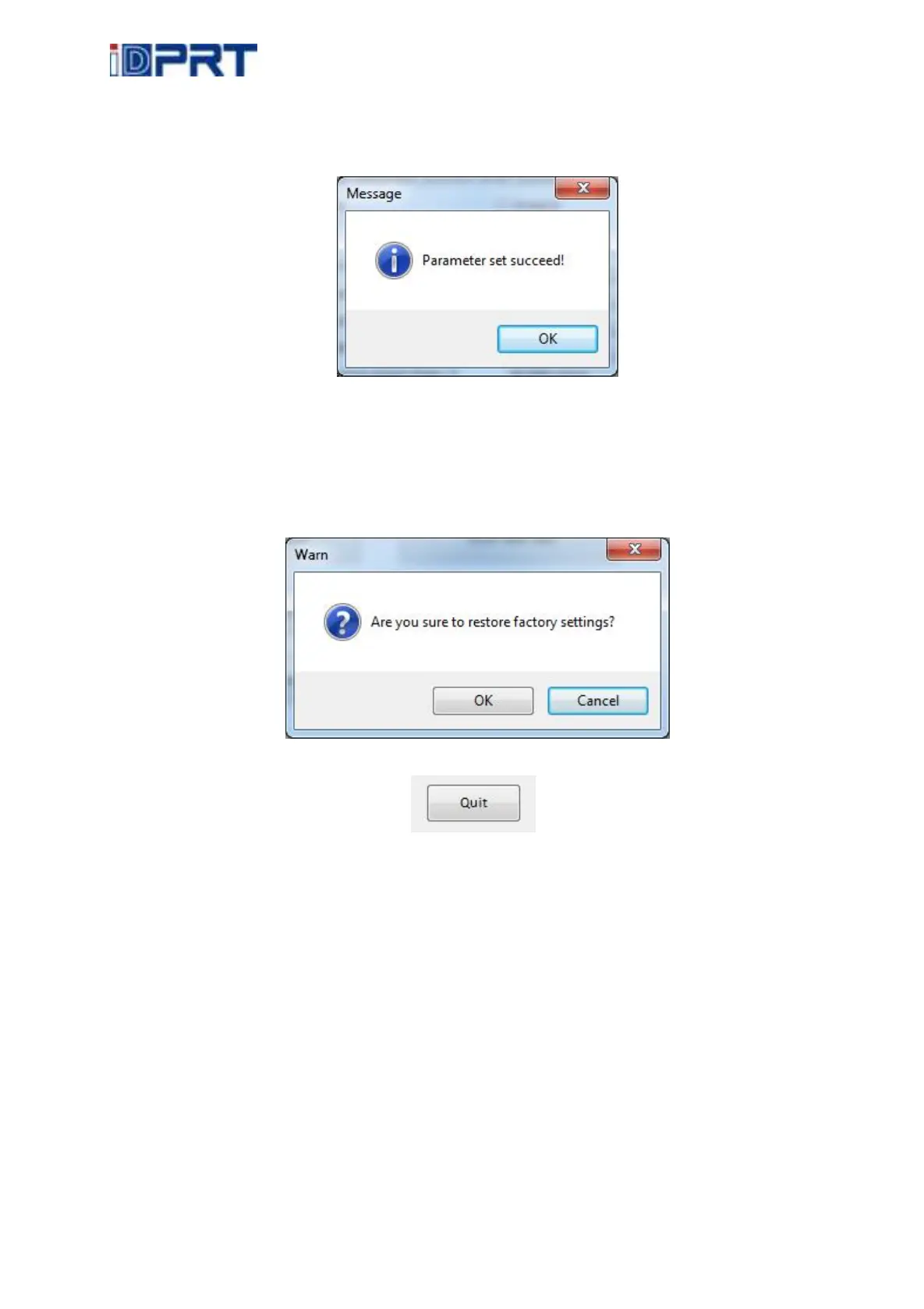
5) Click “Set” save all the above settings, click “ok” back to the main menu.
6) Click “Close” back to the main menu.
●Click “Restore Factory Settings”, click “OK” to restore factory settings, click “Cancel” to cancel
the restore factory settings.
(4). Click “Quit”, finish printer settings.



 To Next Page