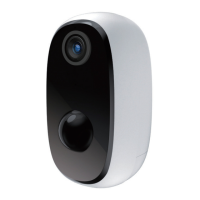
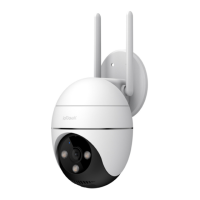
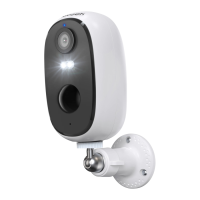
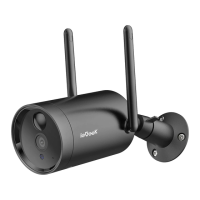
Need help?
Do you have a question about the ieGeek ZS-GX7S and is the answer not in the manual?
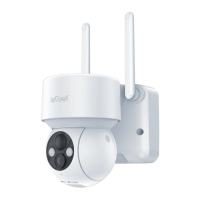
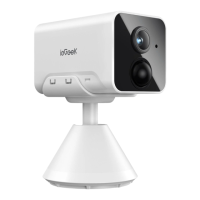
Identifies key parts of the camera, including lens, microphone, PIR, ports, and indicators.
Explains the operations of power button, reset, SD card slot, charging, and status lights.
Instructions for downloading the mobile application via app stores or QR code scanning.
Details the steps for new users to register an account via email within the app.
Outlines necessary steps before Wi-Fi connection, like SD card insertion and router proximity.
Guides users through adding the device by tapping '+', selecting the camera, and initiating connection.
Covers powering on, resetting the device, entering Wi-Fi credentials, and scanning QR codes for pairing.
Provides steps to resolve problems when the camera cannot connect to Wi-Fi, including common causes and solutions.
Addresses issues when the device prompts offline, checking power state and network coverage.
Explains how to update Wi-Fi credentials by resetting and re-adding the camera.
Provides reasons and solutions for the camera failing to connect to Wi-Fi.
Explains factors contributing to rapid battery drain, such as poor Wi-Fi or frequent remote access.
Details reasons why the camera might not detect motion, including network instability and installation position.
Details troubleshooting steps for the camera not recognizing the SD card, including format and capacity.
 General
| Brand | ieGeek |
|---|---|
| Model | ZS-GX7S |
| Category | Security Camera |
| Language | English |

 To Next Page