Need help?
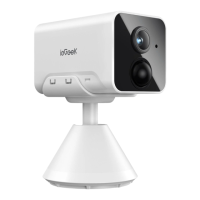
Do you have a question about the ieGeek ZS-GQ2 and is the answer not in the manual?
Guidance on reaching ieGeek support via online center or email for product assistance.
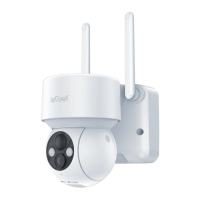
Overview of the camera's components and features, including Wi-Fi antenna, lens, and status lights.
Guide to downloading the CloudEdge app, installing it, and registering a new user account for camera setup.
Step-by-step instructions on connecting the camera to the CloudEdge app and Wi-Fi network.
Instructions and considerations for physically mounting the security camera to a wall for optimal placement.
Frequently Asked Questions section addressing common issues and providing solutions for camera operation.
Details on FCC compliance for Class B digital devices, including regulations and interference guidelines.
Information on FCC radiation exposure limits and installation requirements for the equipment.
 General
| Brand | ieGeek |
|---|---|
| Model | ZS-GQ2 |
| Category | Security Camera |
| Language | English |

 To Next Page