This document is the property of IER and may not be reproduced or
communicated without prior written authorization
1.2. User Interface
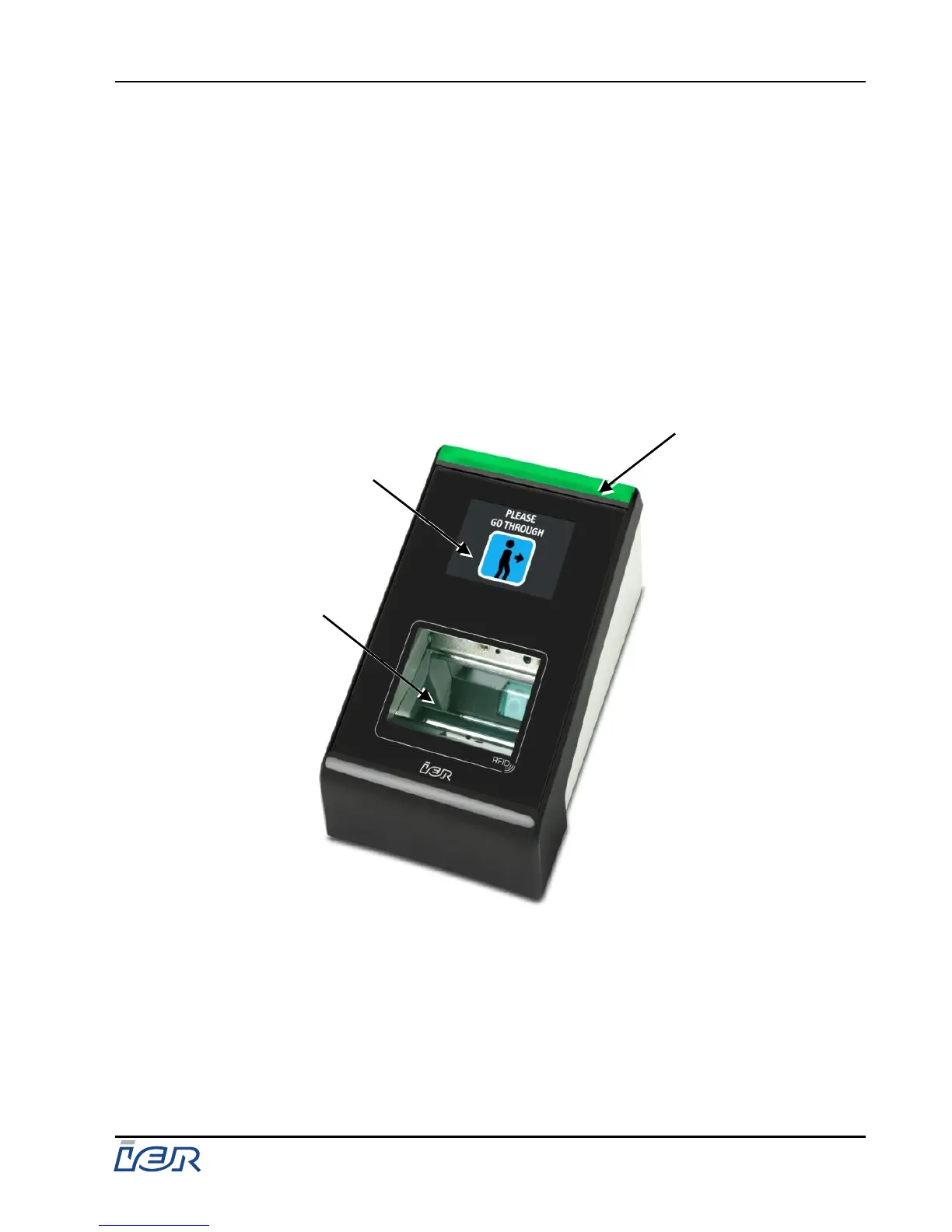
The IER 602 Reader has a sleek box shape with a slightly slanted top which makes
up the user interface.
The user interface is divided into the following two zones:
- Read zone dedicated to scanning printed barcodes or barcodes displayed on
cell phone screens, as well as RF-enabled smart cards.
- User information zone made up of an LCD graphic display and a LED light bar
lighting up either green or red.
1 - Read zone
2 - User information zone
3 - LED light bar lighting up either green or red


 To Next Page