14
MENU COOK
For food or the following cooking mode, it is not necessary to program the duration and the cooking
power. It is sufficient to indicate the type of food that you wish to cook as well as the weight of this food.
1. In standby mode, press the individual icon pad once and then press repeatedly to select the weight
or amount of food.
2. Press START/EXPRESS COOK pad to start.
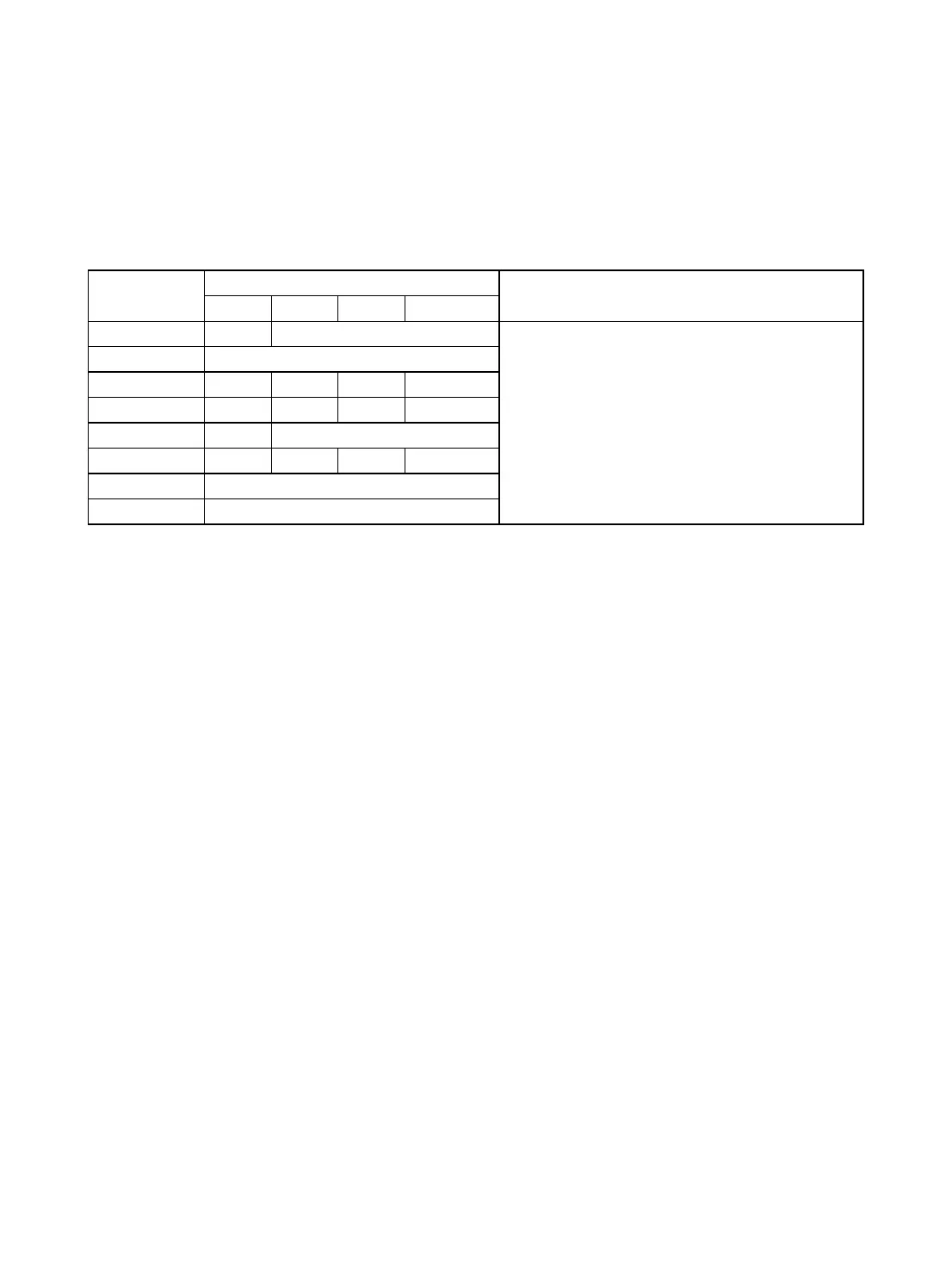
Auto Cook Menu
Weight Range(press the icon pad)
1. For beverage, parameters on the display are
not food weight but number of servings.
2. For COOKIES, you need to preheat at
160℃ and cook with convection
Press once, only one choice.
Notes: The weight range quoted above is for reference only. Please always take the weight and
cooking time actually shown on the screen of your oven as the correct settings.
Voltage fluctuation may cause food not done well, in such case, adjust the cooking time manually.


 To Next Page