8
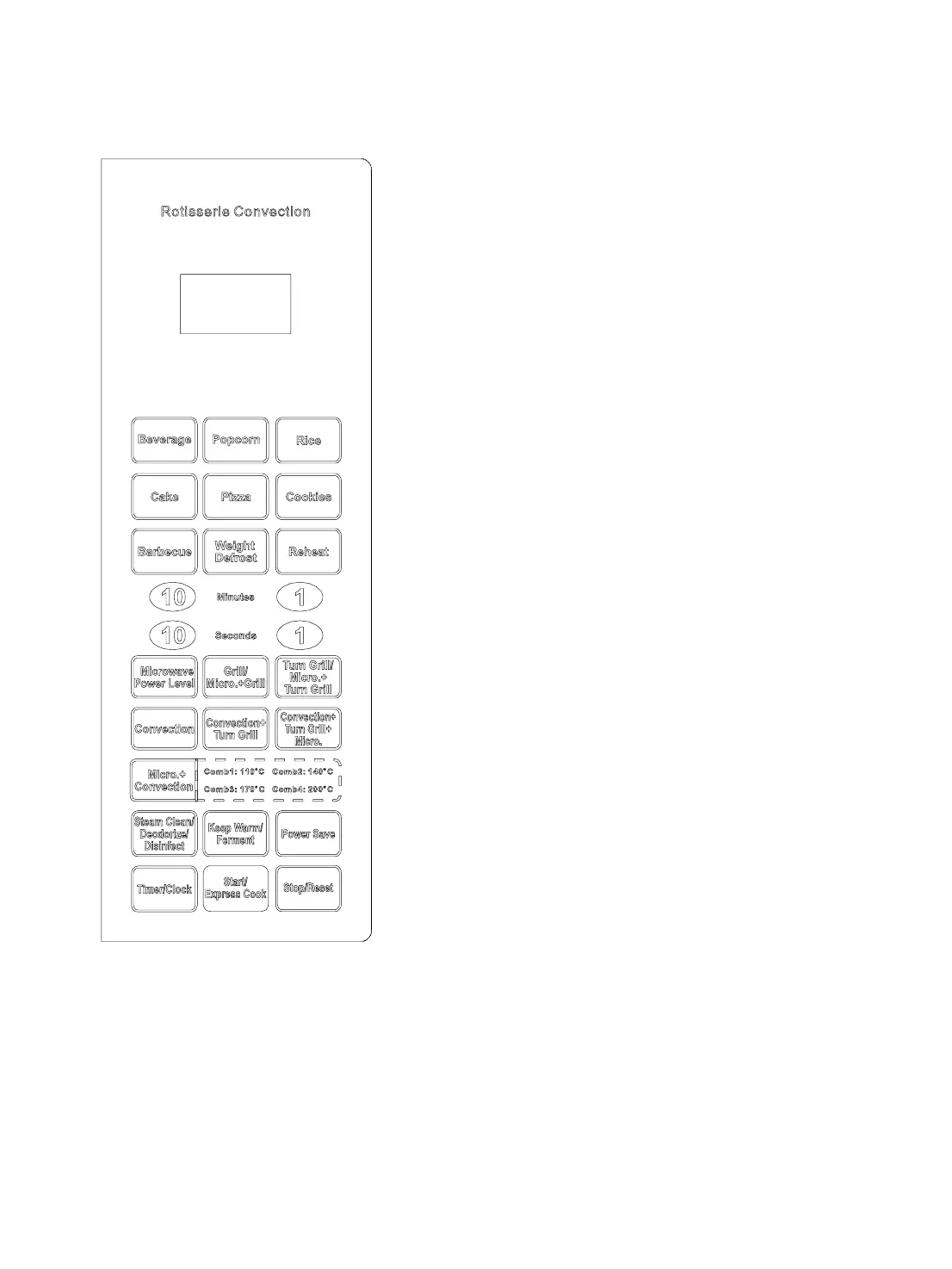
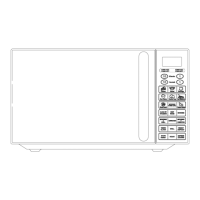
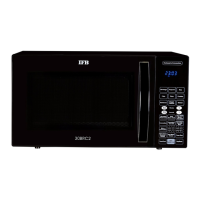
CONTROL PANEL
DISPLAY WINDOW
Used to indicate clock, cooking time, power, etc.
QUICK COOK BUTTONS
Instant settings to cook popular foods.
WEIGHT DEFROST
Touch to defrost food by weight.
NUMBER PADS
Used to enter clock, cooking time, temperature, etc.
MICROWAVE POWER LEVEL
Press to select microwave power level.
GRILL/MICRO.+ GRILL
Press to set a grill or combination cooking program.
TURN GRILL/MICRO.+TURN GRILL
Press to set turn grill or micro.+ turn grill cooking
program.
CONVECTION
Press to program convection cooking.
CONVECTION+TURN GRILL
Press to set a program combing convection and turn grill
features.
CONVECTION+TURN GRILL+MICRO.
Press to set a triple-feature cooking program.
MICRO.+CONVECTION
Press to select one of four combination cooking settings.
STEAM CLEAN/ DEODORIZE/ DISINFECT
Press to set STEAM CLEAN/ DEODORIZE/ DISINFECT
function.
KEEP WARM/ FERMENT
Press to set KEEP WARM/ FERMENT program.
POWER SAVE
Press to set POWER SAVE program.
TIMER/CLOCK
Used to set the clock and the oven timer.
START/ EXPRESS COOK
Press to start cooking program or to start the oven
quickly at full power.
STOP/RESET
Touch to stop cooking program or clear all previous
settings before cooking starts.
Also use to set child lock.


 To Next Page