EasyManua.ls Logo

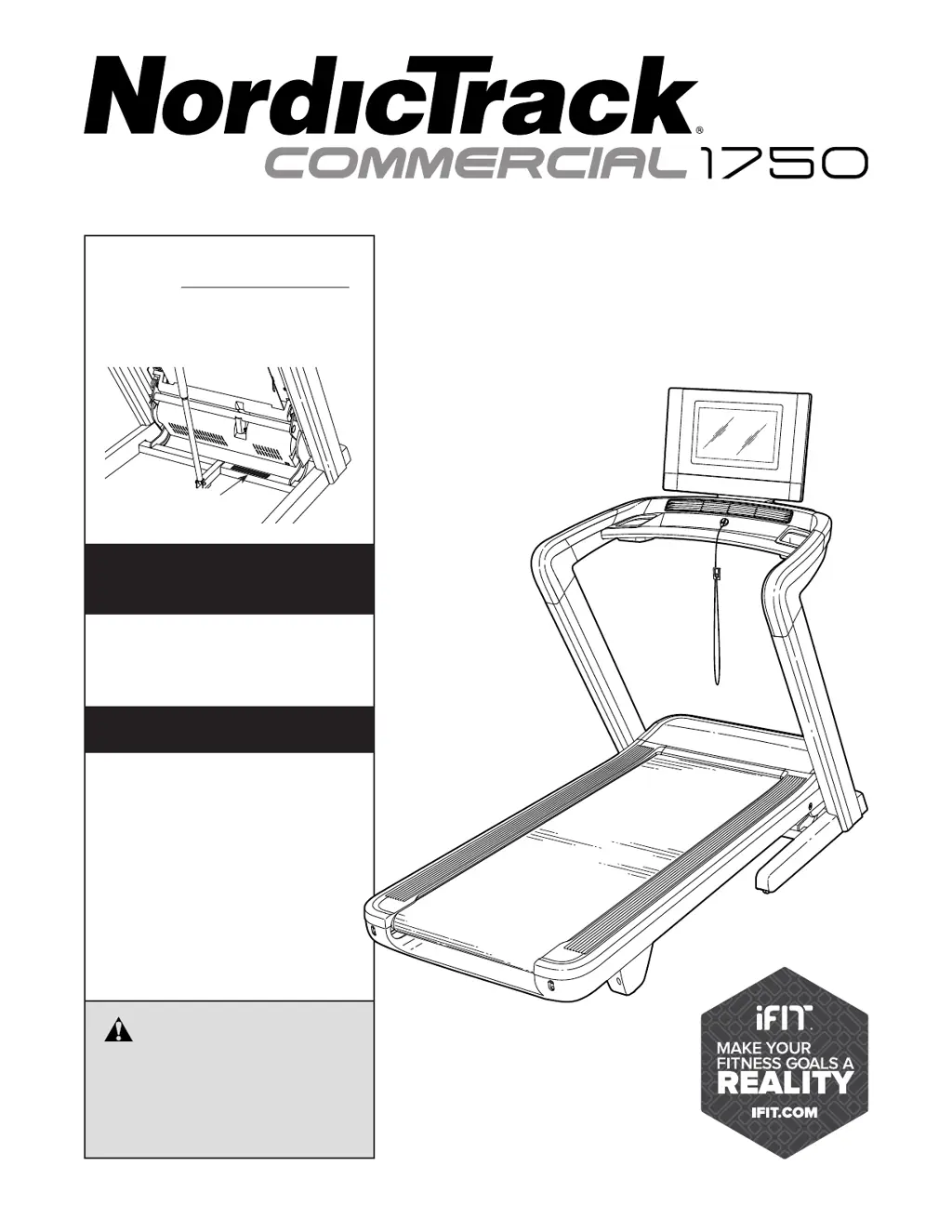
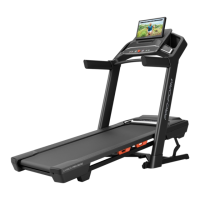
iFIT NordicTrack COMMERCIAL 1750 - User Manual

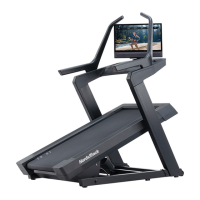
iFIT NordicTrack COMMERCIAL 1750
40 pages
Print Icon
To Next Page IconTo Next Page
Loading...
USER’S MANUAL
Model No. NTL14122.0
Serial No.
Write the serial number in the space
above for reference.
REGISTER YOUR
PRODUCT
MEMBER CARE
Serial Number
Decal
CAUTION
Read all precautions and
instructions in this manual before
using this equipment. Keep this
manual for future reference.
nordictrack.com
To register your product and
activate your warranty today, go
to my.nordictrack.com.
For service at any time, go to
my.iFIT.com.
Or call 1-833-680-IFIT
(1-833-680-4348)
Mon.–Fri. 6 a.m.–6 p.m. MT
Sat. 8 a.m.–12 p.m. MT
Please do not contact the store.

Questions and Answers

  • C
    Craig MooreJul 29, 2025
    How to fix iFIT NordicTrack COMMERCIAL 1750 when the power does not turn on?
    • D
      Daniel WilliamsJul 29, 2025
      Ensure the power cord is correctly plugged into a surge suppressor, and the surge suppressor is connected to a properly grounded outlet. If the treadmill is connected to an AFCI-equipped outlet and the circuit breaker trips repeatedly, consider purchasing an arc filter. Also, verify that the key is fully inserted into the console. If the switch has tripped, wait five minutes before pressing it back in.
  • S
    Shelia TranAug 4, 2025
    Why does my iFIT NordicTrack COMMERCIAL 1750 Treadmill power turn off during use?
    • D
      davidmillerAug 4, 2025
      If the iFIT Treadmill power turns off during use, check the power switch. Make sure the power cord is properly plugged in; if it is, unplug it, wait five minutes, and then plug it back in. Also, try removing and reinserting the key from the console.
  • G
    Gregory BennettAug 10, 2025
    Why my iFIT NordicTrack COMMERCIAL 1750 will not connect to the wireless network?
    • W
      Walter HoldenAug 10, 2025
      Ensure that the wireless settings on the console of your iFIT Treadmill are correct, and also verify that the settings for your wireless network are correct.
  • J
    Julie GomezAug 16, 2025
    What to do if the displays of the iFIT NordicTrack COMMERCIAL 1750 console do not function properly?
    • T
      tara05Aug 16, 2025
      If the console displays are not functioning correctly, try resetting the console to its factory default settings. To do this, continue holding the reset button until the console turns on. If this doesn't work, use the power switch to turn the iFIT Treadmill off and then on again.
  • R
    Richard MccarthyAug 22, 2025
    How to fix iFIT NordicTrack COMMERCIAL 1750 walking belt that slows when walked on?
    • M
      Michaela JacobsAug 22, 2025
      If the walking belt slows down when you walk on your iFIT Treadmill, and you think the walking belt is overtightened, remove the key and unplug the power cord. Then, use the hex key to turn both idler roller screws counterclockwise by 1/4 of a turn. If you suspect the walking belt needs more lubricant, see the front cover of this manual.

Summary

WARNING DECAL PLACEMENT

IMPORTANT PRECAUTIONS

BEFORE YOU BEGIN

ASSEMBLY

TREADMILL USAGE BASICS

CONNECTING THE POWER CORD

Instructions for connecting the treadmill's power cord safely.

CONSOLE OVERVIEW

CONSOLE OPERATION

CONSOLE SETUP AND CONFIGURATION

MANUAL MODE OPERATION

ADJUSTING INCLINE AND MONITORING PROGRESS

How to adjust incline and view workout statistics.

WORKOUT MODES

CREATE DRAW-YOUR-OWN-MAP WORKOUT

USING I FIT WORKOUTS

MANAGE I FIT WORKOUTS AND SETTINGS

CHANGE CONSOLE SETTINGS

How to access and modify console settings.

WIRELESS NETWORK CONNECTION

CONNECT TO WIRELESS NETWORK

Steps to connect the console to a wireless network.

FOLDING, MOVING, AND DEPLOYING

HOW TO FOLD THE TREADMILL

Instructions for folding the treadmill for storage.

MAINTENANCE AND TROUBLESHOOTING

REGULAR MAINTENANCE

Guidelines for regular cleaning and upkeep of the treadmill.

POWER AND CONNECTION TROUBLESHOOTING

Fixing power, incline, and wireless network problems.

WALKING BELT TROUBLESHOOTING

Steps to address slow, off-center, or slipping walking belts.

CONSOLE TROUBLESHOOTING

Steps to reset the console and resolve display issues.

EXERCISE GUIDELINES

ORDERING PARTS AND WARRANTY

iFIT NordicTrack COMMERCIAL 1750 Specifications

General IconGeneral
Running Area22" x 60"
Decline-3%
Speed0-12 MPH
Weight Capacity300 Lbs
iFIT CompatibilityYes
BluetoothYes
Motor3.75 CHP
FoldingYes
Cooling FanYes
Deck CushioningYes

Related product manuals