7
Wear The Tracker Pod
In The Band
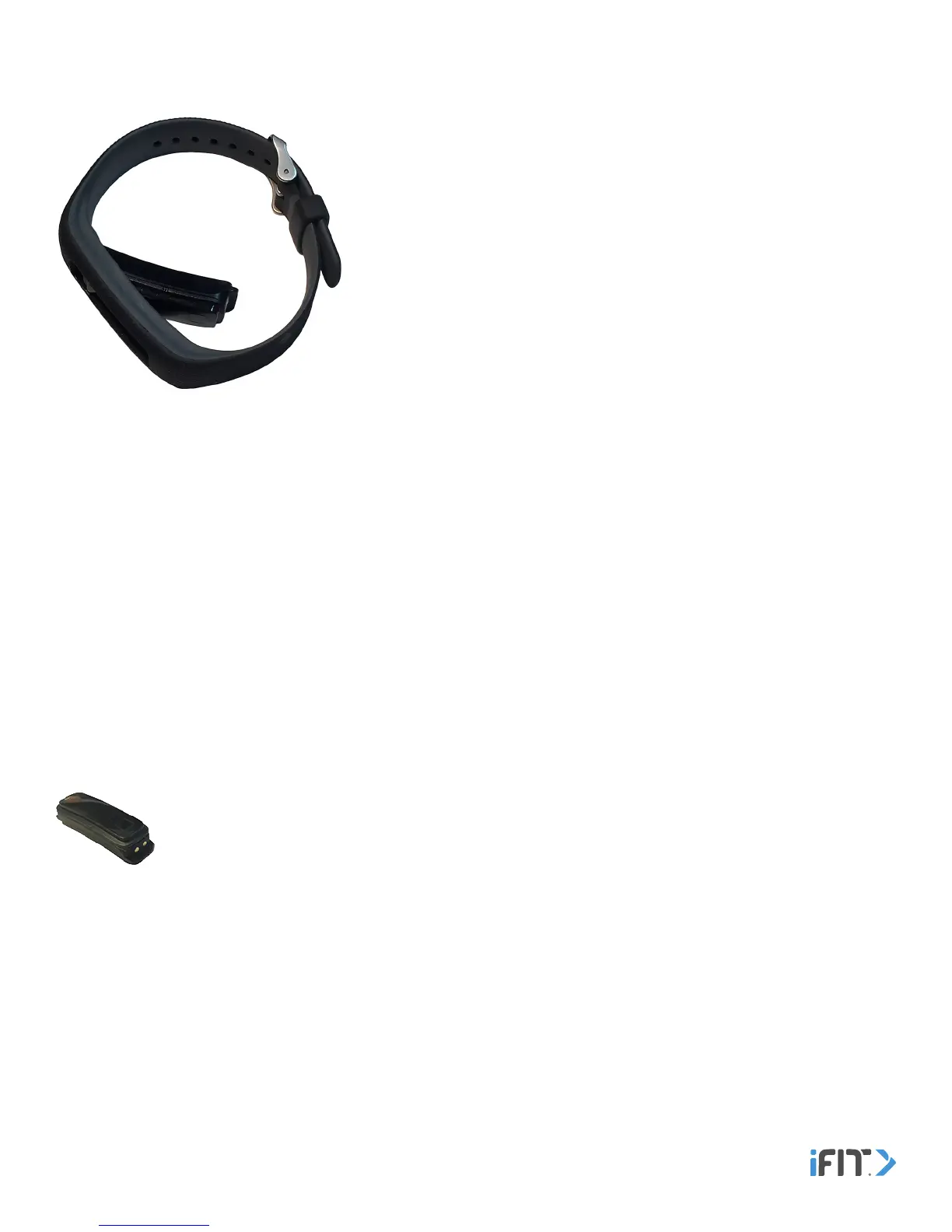
How to Insert the Tracker Pod Into the Band
Flex the band and press the tracker pod into the opening in the inner side
of the band. Make sure that the screen on the tracker pod is facing outward.
Reverse these actions to remove the tracker pod from the band.
How to Fasten the Band
Wrap the band around your wrist, insert the end of the band through the buckle, and insert the prong into the desired hole.
Then, insert the end of the band through the keeper. Make sure that the band is slightly loose on your wrist. Reverse
these actions to unfasten the band.
To orient the screen correctly, set the tracker pod location in the iFit Coach app. In the iFit Coach app, select the main menu
screen, touch the watch icon, touch Pod Location, and then touch Select Wrist to select your left wrist or your right wrist as the
location where the tracker pod is worn.
Note: You can also touch the gear icon, touch Product Settings, touch Pod Location, and then touch Select Wrist to navigate
to this setting.
Note: As with any watch or jewelry, a very small percentage of users may experience skin irritation while wearing the band.
If you experience any skin irritation, discontinue wearing the band and carry the tracker pod independently in your pocket. If
you have questions, send an email to support@iFit.com.
Independently
Simply place the tracker pod in your pocket to carry the tracker pod independently. Make sure that the
tracker pod will not fall out of your pocket as you move.
If you wear the tracker pod in the band, regularly remove the band and clean it with water and a few drops of mild liquid soap.
Do not place the band or the tracker pod in a dishwasher, washing machine, or dryer. Allow the band to dry thoroughly
before you put it back on your wrist.
Clean The Band


 To Next Page