8
Navigate the Tracker Pod and View Information
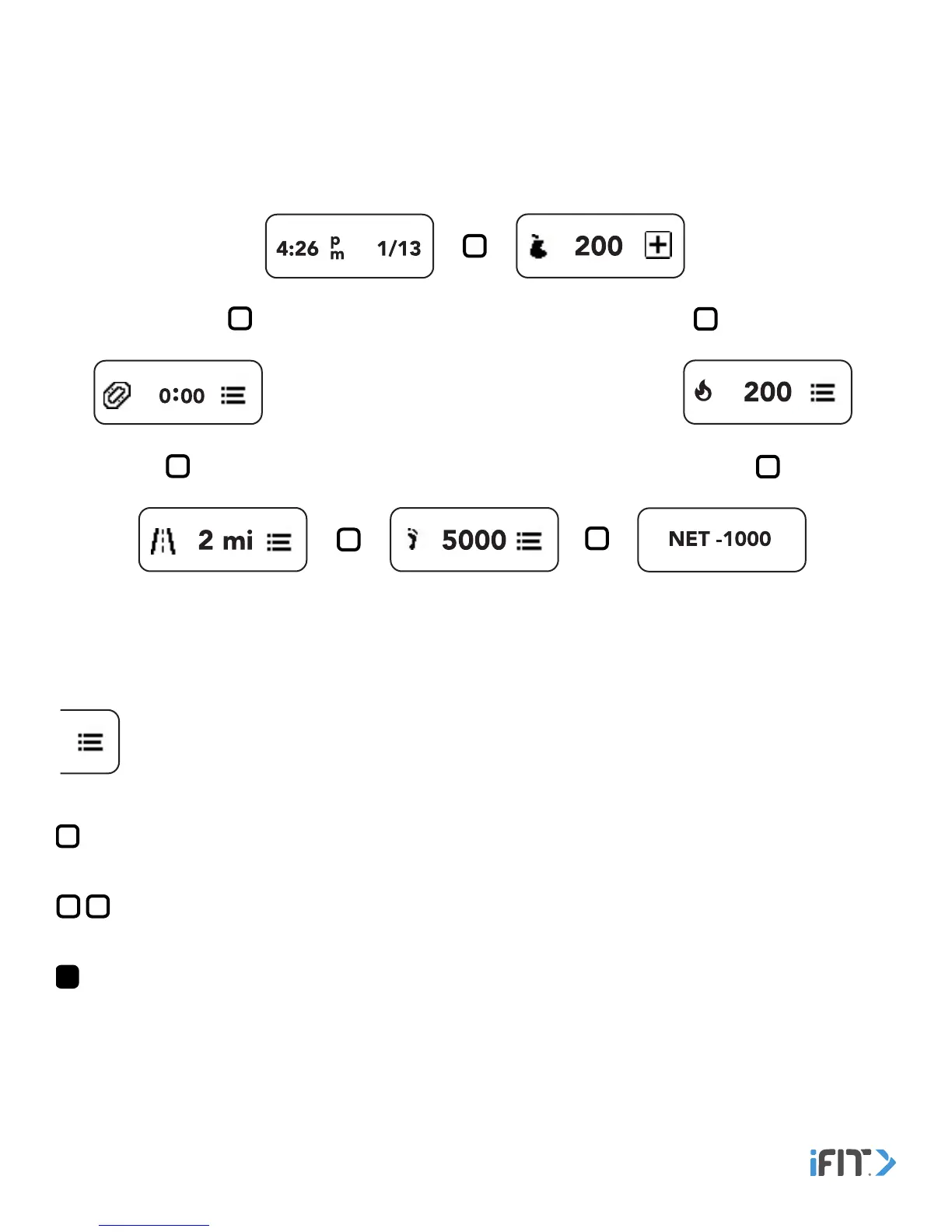
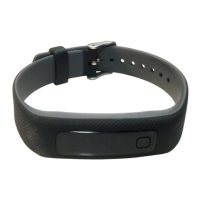
Tap the button repeatedly to view the menu heading screens. The menu heading screens are described in detail on the
pages that follow.
Key
Menu icon—Double tap the button when a menu icon appears on a menu heading screen to view more infomation and
options.
Single Tap symbol—Tap the button.
Double Tap symbol—Double tap the button.
Hold Button symbol—Hold the button for the number of seconds specified in the instructions.
Use The Tracker Pod


 To Next Page