6
Battery Life
The tracker pod contains a rechargeable lithium battery. With normal use, a fully charged tracker
pod will run up to 7 days before needing a charge. To check the battery level of the tracker pod,
first tap the button repeatedly until the Time and Date screen appears. Then, double tap the
button; the battery icon and the battery level will appear.
When the battery level is at 20 percent, at 10 percent, and at 5 percent, a low battery warning
will appear to notify you that the battery needs to be charged. The tracker pod will shut down
when the battery level is at 1 percent. IMPORTANT: Make sure that the tracker pod syncs to
the iFit Coach app when the battery level is low; the data recorded on the tracker pod will
be deleted when the battery is dead.
Note: The battery will drain more quickly when many of the features in the Product Settings menu in the iFit Coach app are
turned on.
Charge the Tracker Pod
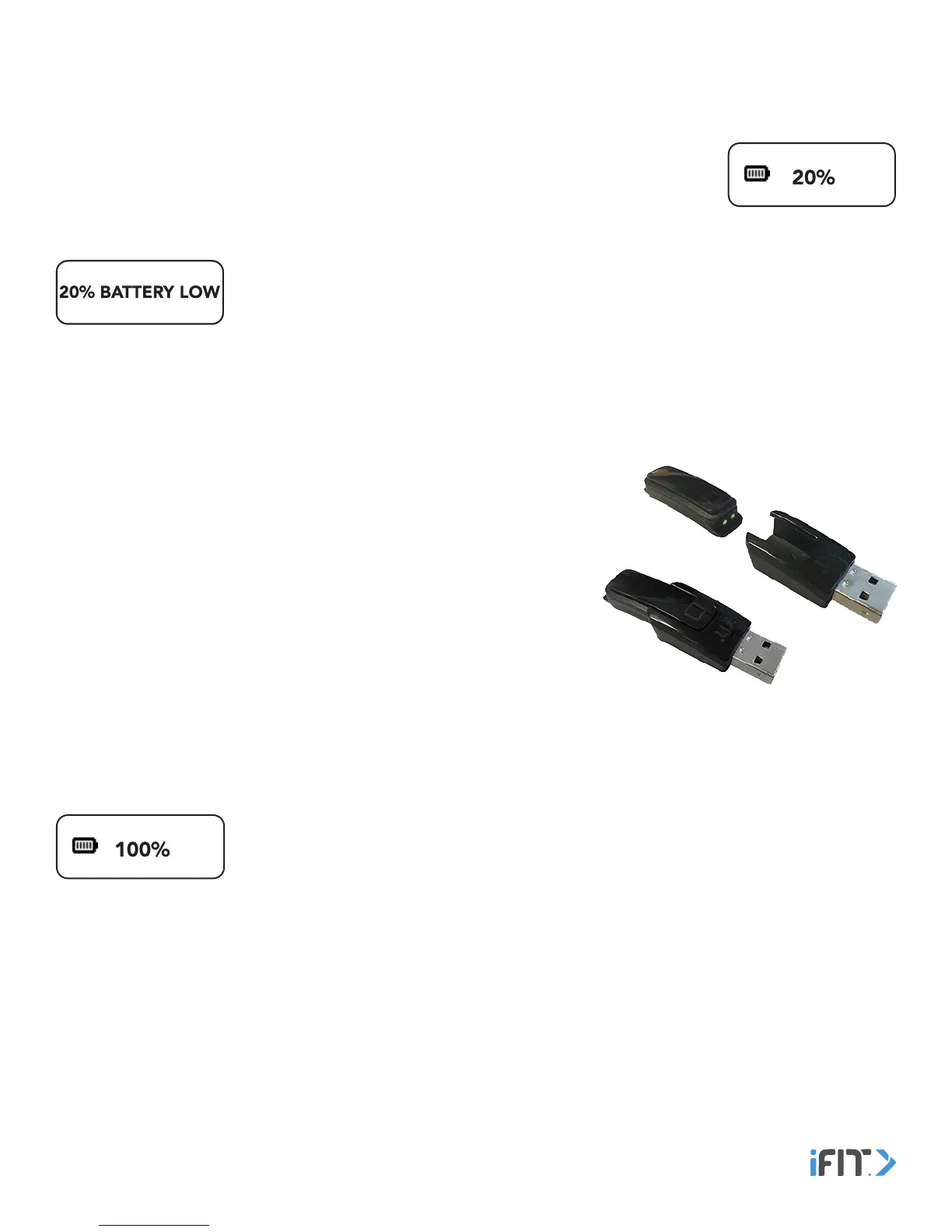
To charge the tracker pod, first remove it from the band. Next, attach the
charger to the tracker pod by aligning the tab and the contacts on the tracker
pod with the slot and the contacts on the charger, and then inserting the
tracker pod into the charger.
Note: You cannot attach the charger to the tracker pod while it is inserted in
the band.
Then, plug the charger into a USB port on your computer. The battery level will
appear at 100 percent when the tracker pod is completely charged.
Note: To charge the tracker pod more quickly, plug the charger into a USB wall adapter (not included) or a USB car charger
(not included).
When the tracker pod is fully charged, the battery level will appear at 100 percent until the
charger is unplugged.
If a replacement charger is needed, visit our Customer Care website at support.iFit.com or
send an email to support@iFit.com. IMPORTANT: To avoid damaging the tracker pod, use only a manufacturer-supplied
charger.
Charge The Tracker Pod


 To Next Page