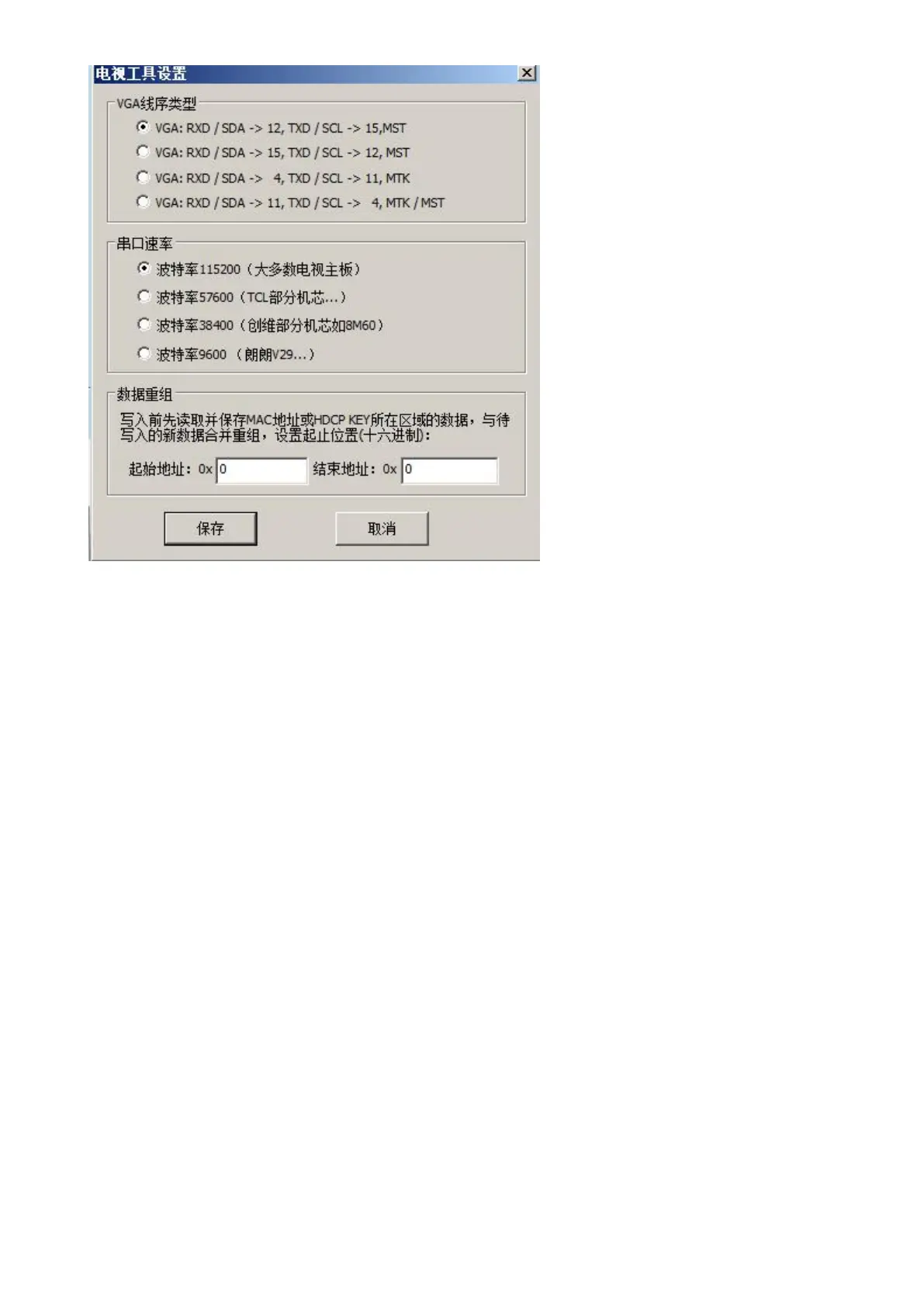
When showing “Serial print”,the serial port is in the closed state.
When showing “Close”,the serial port is in the open state.
RX TX Lead is on the VGA port,please use the matched VGA line directly.
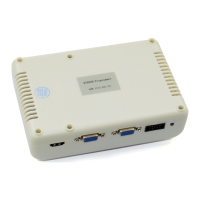
RX TX Lead is on the HDMI port,please use the HDMI line or fly line from the locking socket.
RX TX Lead reserves the extension socket on the board.
4.15.2 Flying line
If to fly line,please connect the bottom line with ground line.
The position of the flying line on programmer:
White plug,from top to bottom,pin1 to pin8,connect to 2 3 4 pin or 5 6 7pin.


 To Next Page