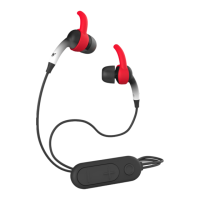
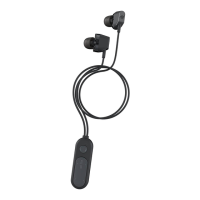
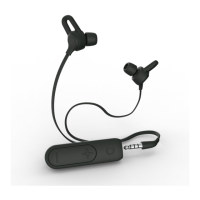
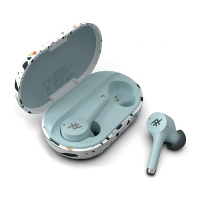
plugz wireless instructions
Play Music
1. Press the Play button to begin playing your music.
2. While music is playing, press Play quickly to pause it. Press Play quickly again to resume.
3. Quick-press the Volume Up or Volume Down buttons to control your audio volume.
4. Press and hold the Volume Up or Volume Down buttons to track forward and back
through your playlist.
Take Calls
1. Press the Play button to answer an incoming call.
2. Press and hold the Play button for three seconds to send an incoming call to
your voicemail.
3. Press the Play button during a call to disconnect.
5
6


 To Next Page