Method
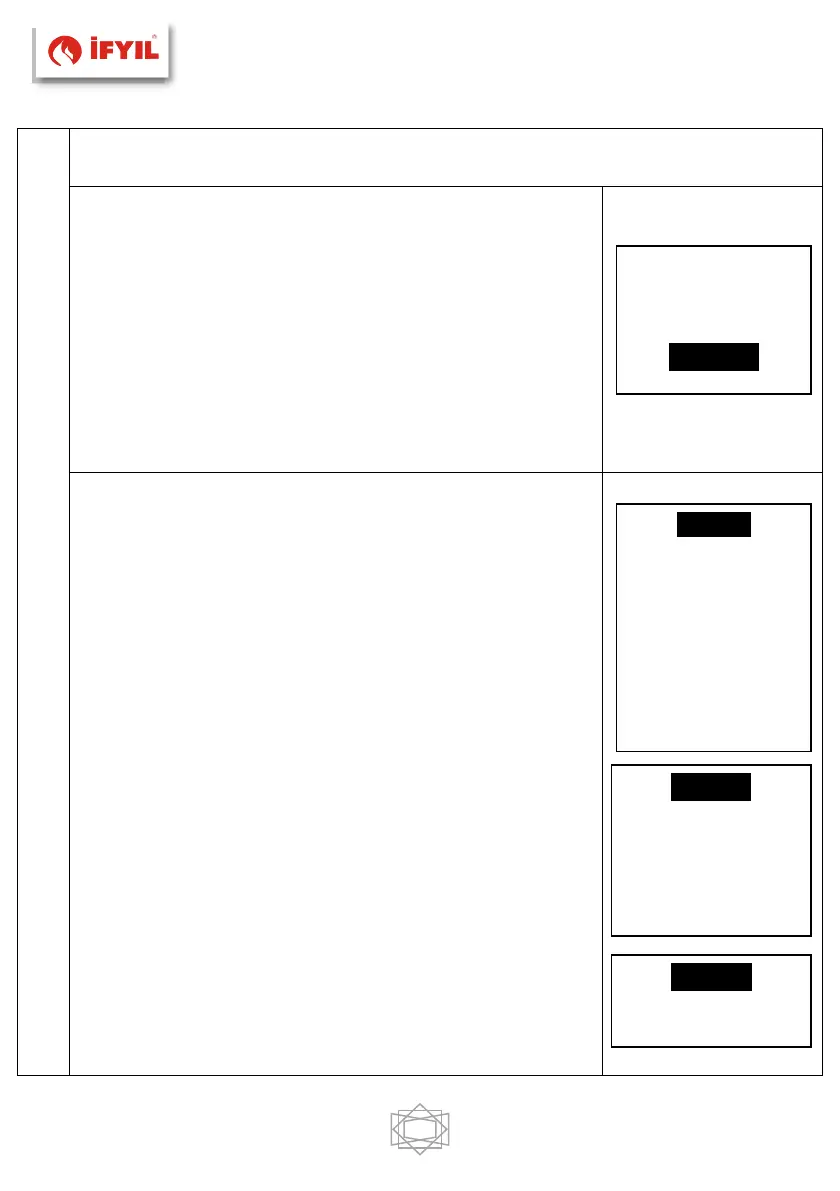
Allows the selection of the desired method or
disables all programming.
• Use the P3 button to enter the method menu in
the timer menu.
• Select the desired method. (Daily, Weekly or
Weekend)
• With the P2 button, the timer method can be
activated / deactivated.
• The settings are saved with the P3 key.
Programming
The system includes three types of programming:
Daily, Weekly, Weekend. After selecting the desired
program type:
• Select the programming time with P4 / P6.
• Enter the setting key P3 (the selected time will
flash). You can change the time with the P4 / P6
keys.
• Use P3 to store the program.
• Activation with P5 key (“V” displayed) or disabling
(“V” is not displayed) can be performed.
Daily
In Daily zaman is selected to program the ignition
and shutdown times according to the days of the
week.
Weekly
The set program is the same for all days of the
week. The days of the week.
Weekend
It can be selected as 'Mon-Fri' and 'Sat-Sun’ range.
The ignition and shutdown times are set.


 To Next Page