Connecting Your IGEL Device
Connecting Your IGEL Device
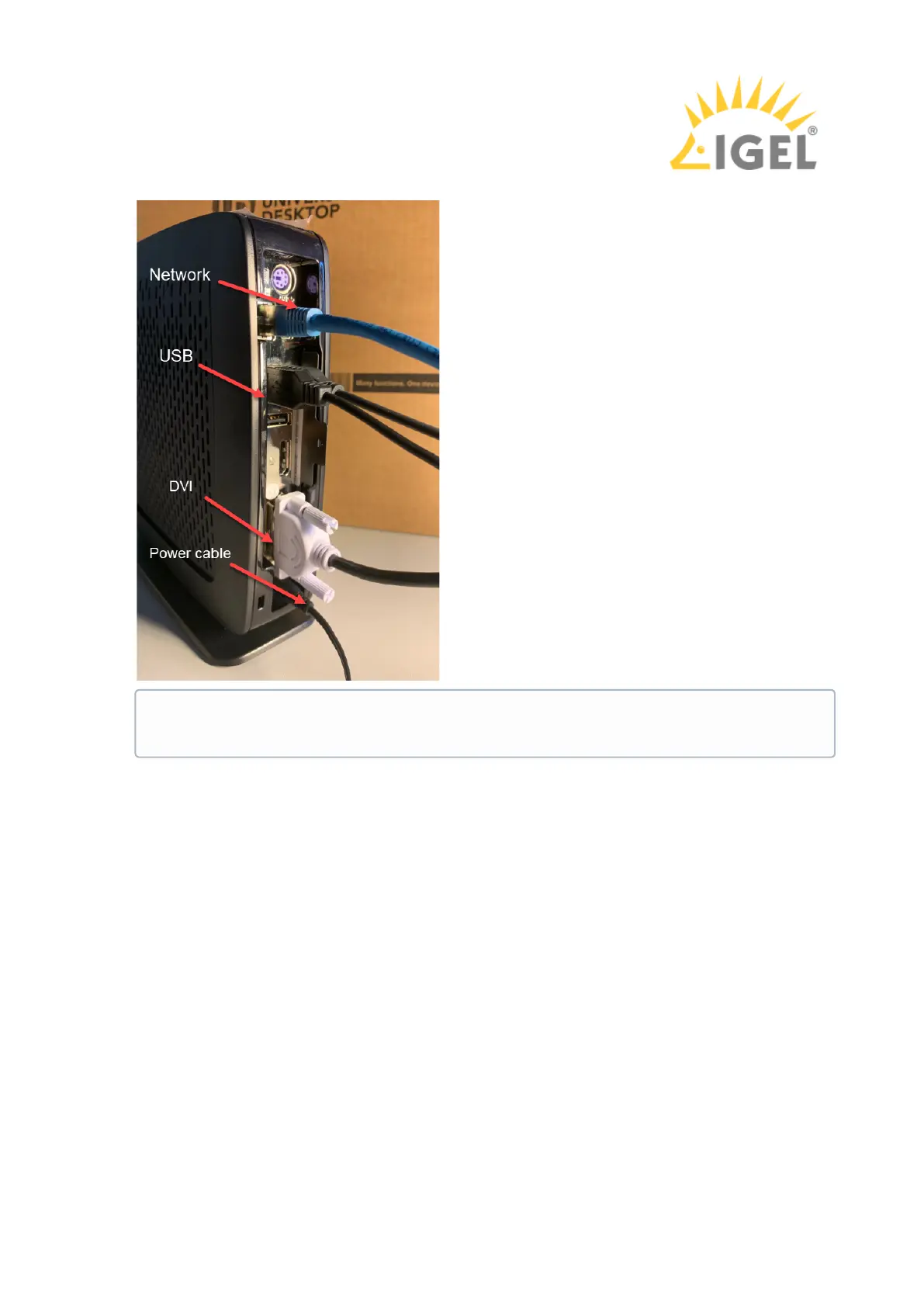
2. Connect the plugs as shown in the picture below. (Example with a UD3)
Next Step
Setting Up the Device Initially
Depending on the device, the plugs may be arranged differently, see e.g. UD2
M250C, UD2 D220, UD3 M340C, UD6 H830C, UD7 H850C.



 To Next Page