Connecting Your IGEL Device
Connecting Your IGEL Device
1.
2.
3.
Booting from UD Pocket
To connect and configure your UD Pocket, perform the following steps:
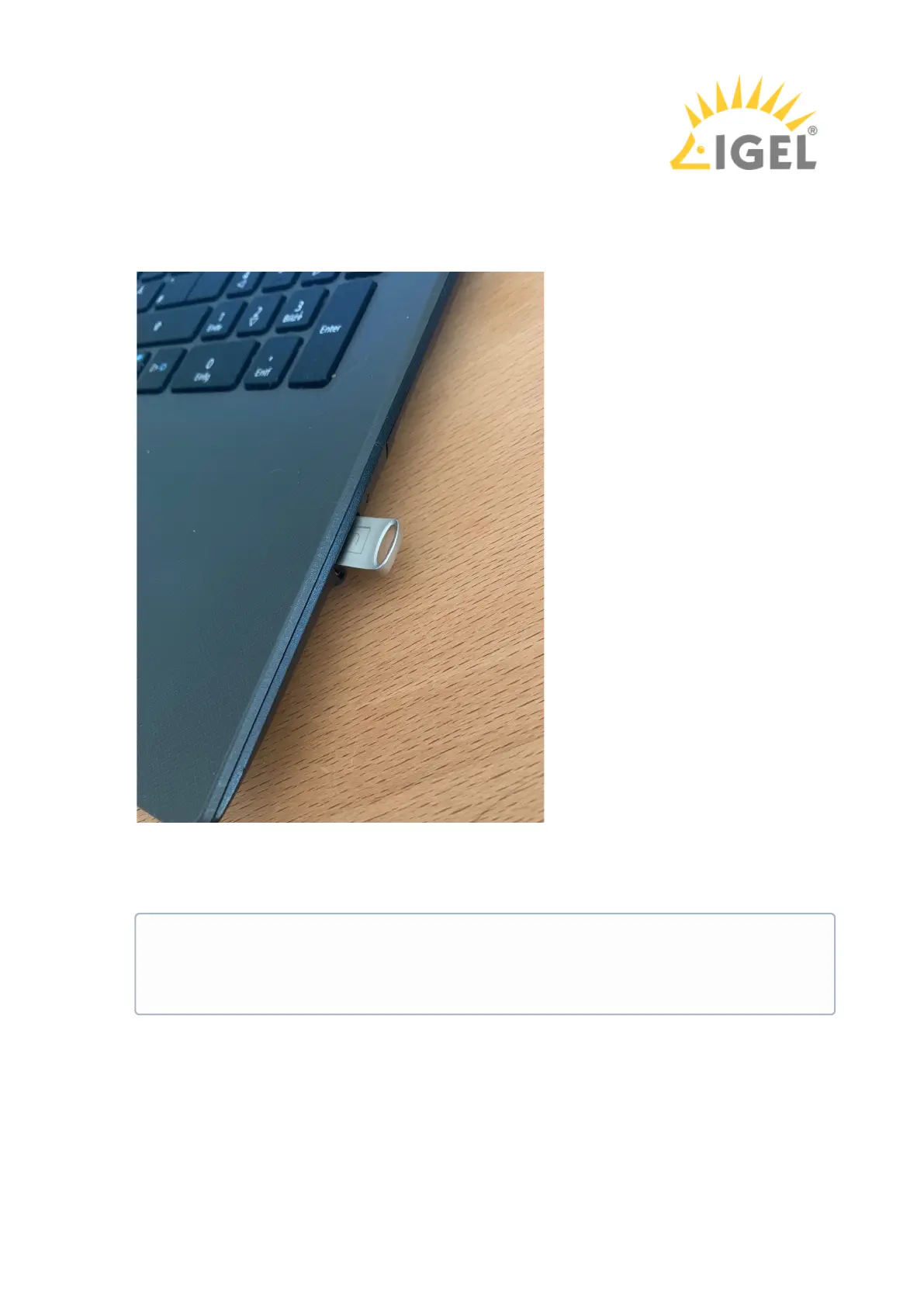
Connect the UD Pocket to your device via USB port.
Start the device.
While the device is booting, try pressing [F12] (in general), [F10] (Intel devices), or [F9]
(Hewlett-Packard devices) in order to access a list of boot devices and select UD Pocket.
If the above does not work, access the BIOS settings via pressing [Del], [F1] or [F2] during
boot and activate booting from USB storage media and/or change the boot order. When in
doubt, see the BIOS/UEFI documentation for your system for details of how to boot from USB
storage media. See also Boot Settings.



 To Next Page