Connecting Your IGEL Device
Connecting Your IGEL Device
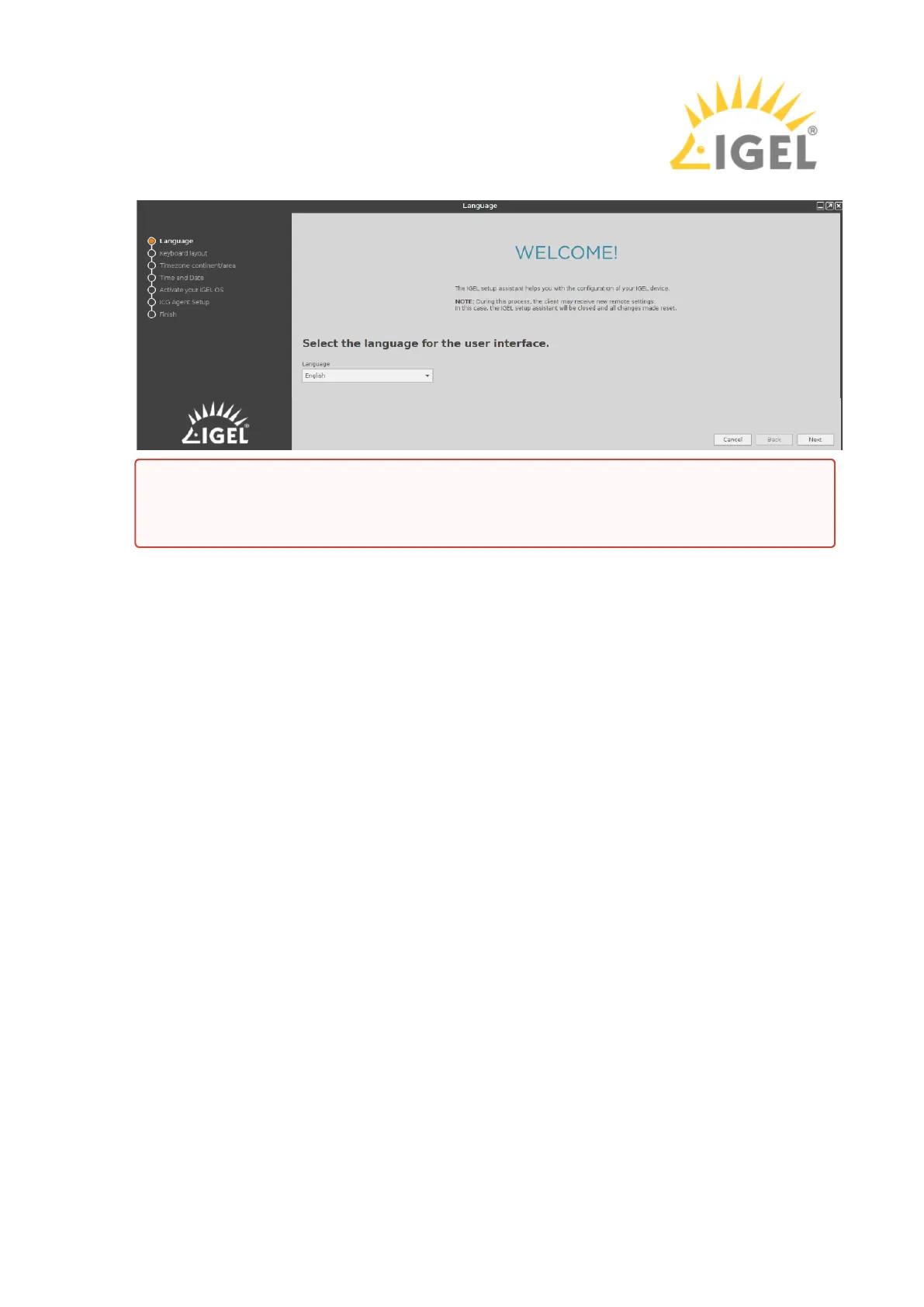
The device boots into UD Pocket and the Setup Assistant starts.
Next Step
Setting Up the Device Initially
Do not remove UD Pocket from the computer until you have shut down the IGEL OS
contained on it. Otherwise, you can damage the operating system on UD Pocket and
lose your settings as well as data on other removable media.



 To Previous Page