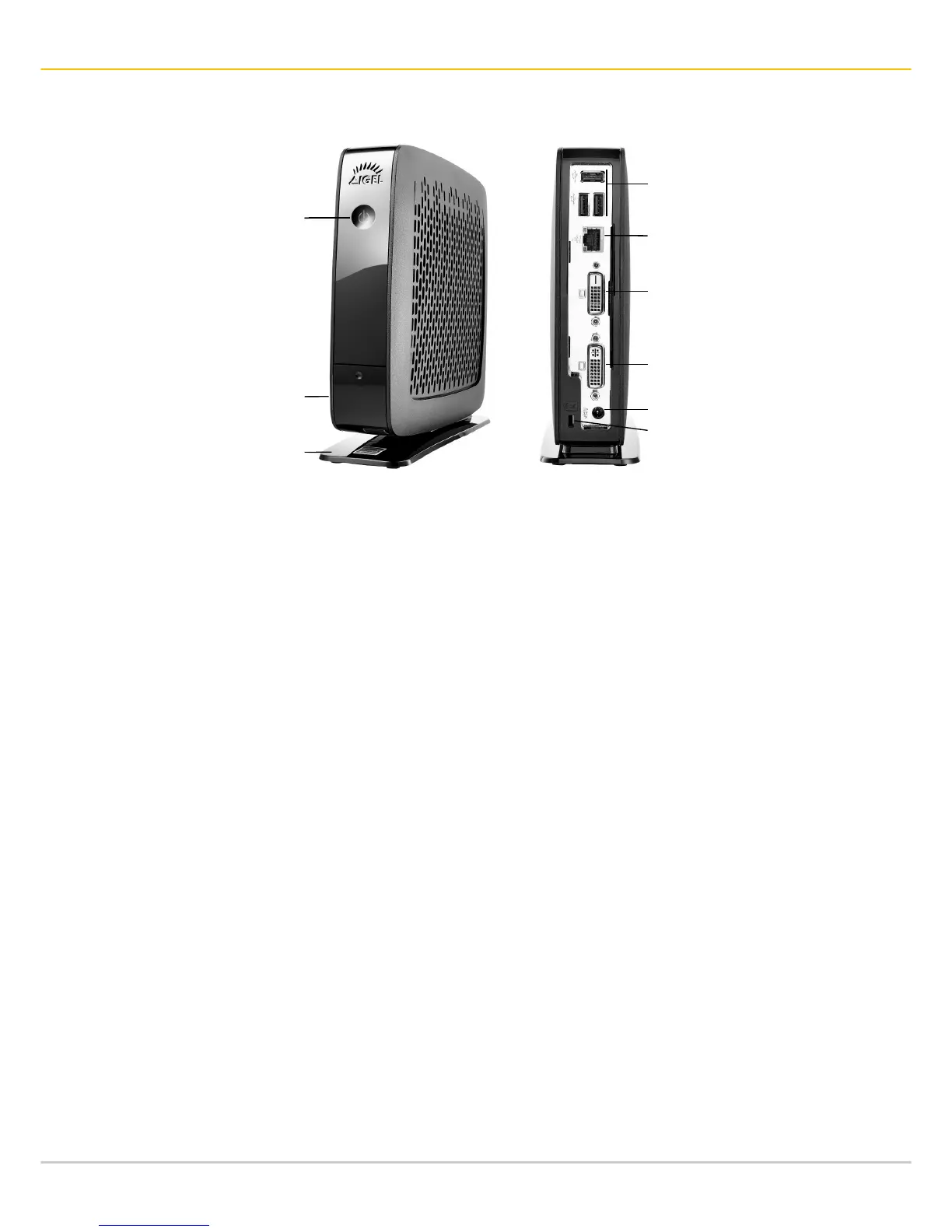
Part List
•
Thin/Zero Client Unit
•
Foot
•
Power Supply with integrated DC Cable
•
AC Power Cord
•
DVI-VGA-Adapter
Power Connection Note
•
Connect all accessories e. g. mouse, keyboard, screen (not part of the equipment), and
Ethernet.
•
Connect the AC power cord with the receptacle of the Power Supply.
•
Connect the other end of the AC power cord with a suited mains socket.
•
Connect the DC cable with the DC In receptacle on the rear side of the Thin Client.
•
Switch on the Thin Client by use of the power button on the front side.
Power Switch
Cover
(Line-out, Mic-in, 1 x USB 3.0)
Foot



 To Next Page