IGEL Technology GmbH Hardware Manual IGEL UD3 / IZ3
5/10 Version 1.2 – March, 2019
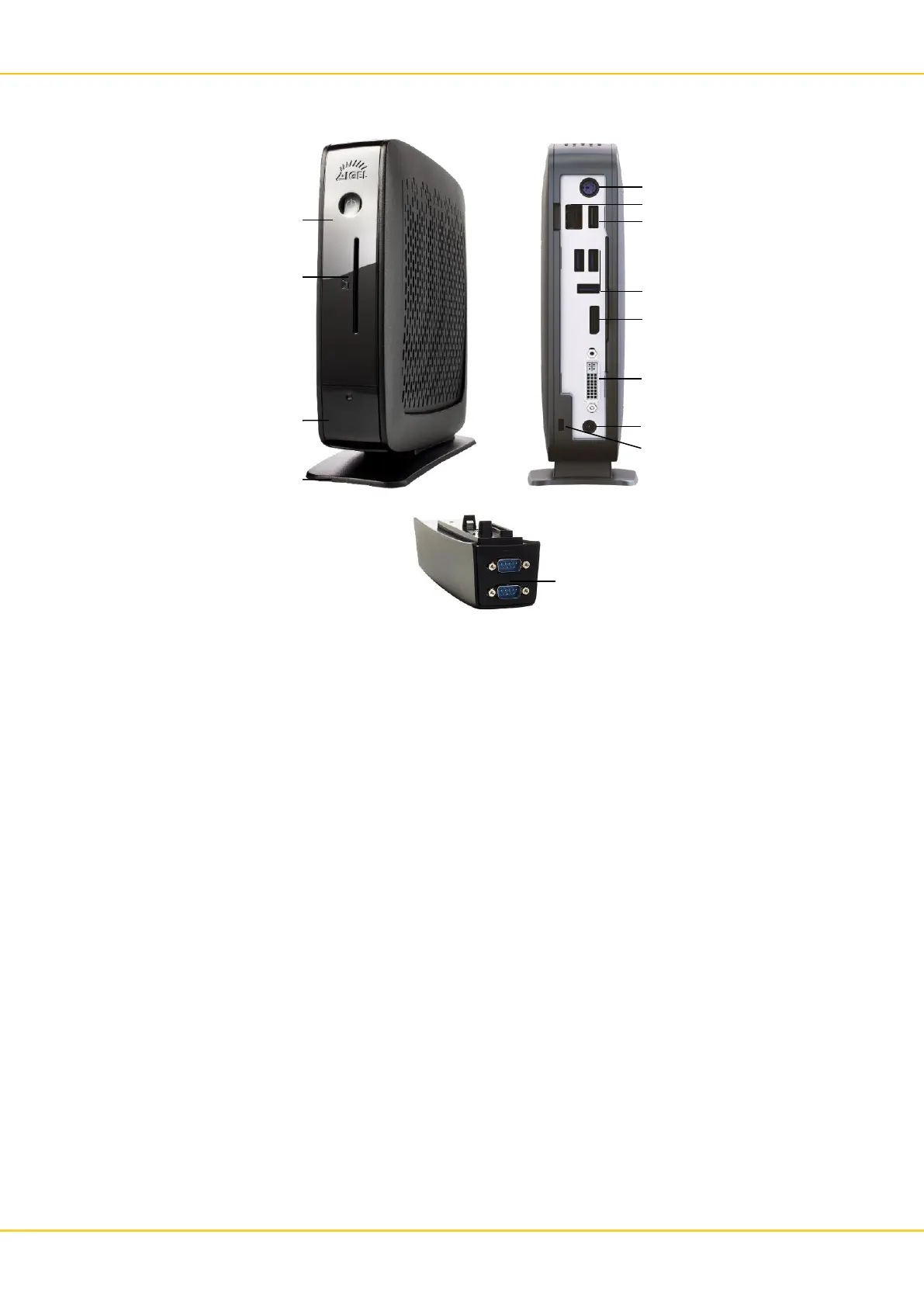
Connections
Part List
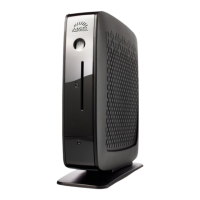
• Thin/Zero Client Unit
• Foot
• Power Supply with integrated DC Cable
• AC Power Cord
• DVI-VGA-Adapter
Power Connection Note
• Connect all accessories e. g. mouse, keyboard, screen (not part of the equipment), and Ethernet.
• Connect the AC power cord with the receptacle of the Power Supply.
• Connect the other end of the AC power cord with a suited mains socket.
• Connect the DC cable with the DC In receptacle on the rear side of the Thin Client.
• Switch on the Thin Client by use of the power button on the front side.


 To Next Page