Using the Attachments
1. Place the vacuum cleaner in its upright position. Make sure that the vacuum cleaner
is NOT plugged into the mains when adding or removing accessories.
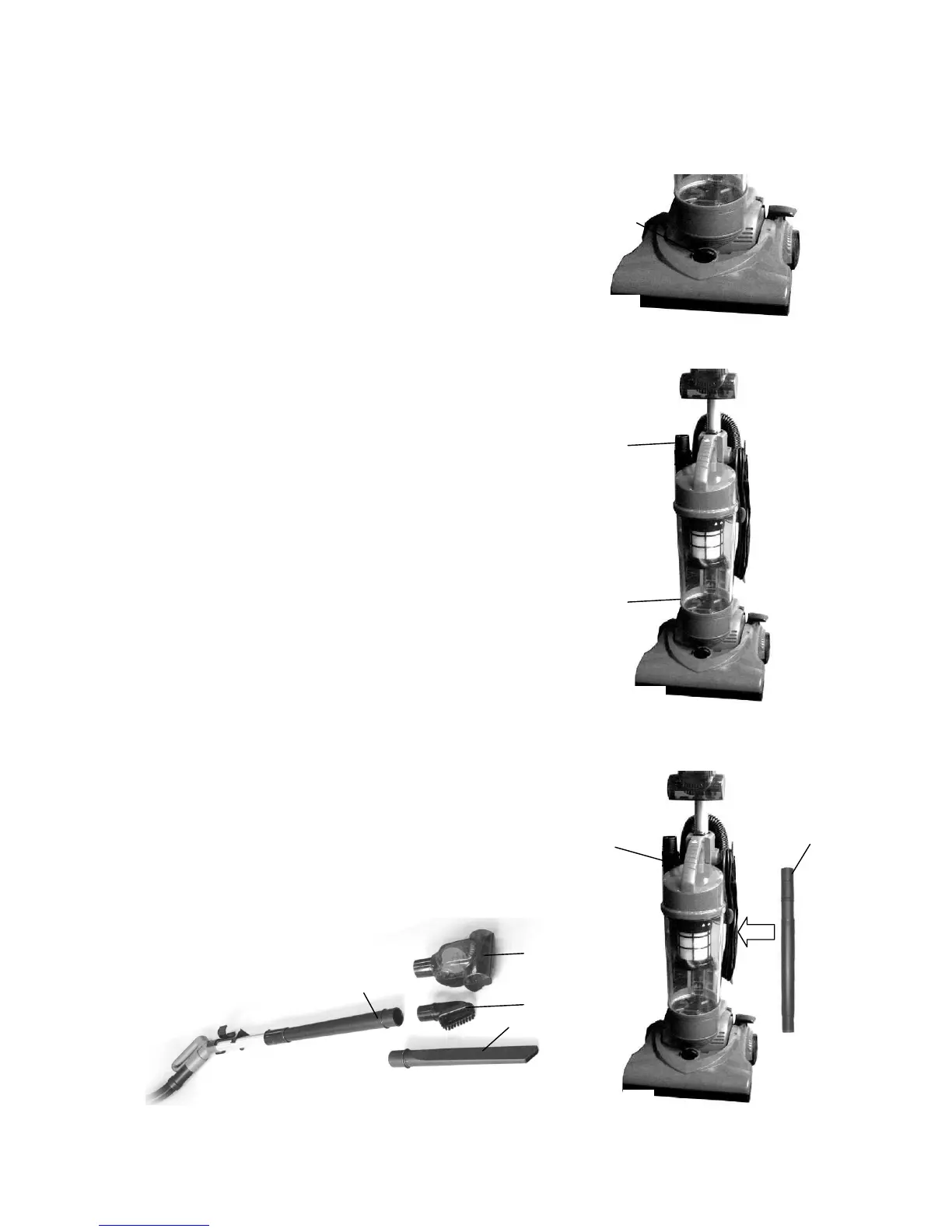
2. Turn the Carpet Height Adjustment Knob (G) to the
highest position. See fig.5.
3. Remove the hose from the rear of the vacuum cleaner
and push in the desired attachment firmly on to the end of
the hose. See fig.6.
4. If additional length is required, take the removable handle
and attach to the end of the hose and then attach
Extension Tubes (S) and the Crevice Tool (E),
Small Brush (T) or the Turbo Brush (F).
See fig.7 and 8.
(G)
Fig.5


 To Next Page