EasyManua.ls Logo

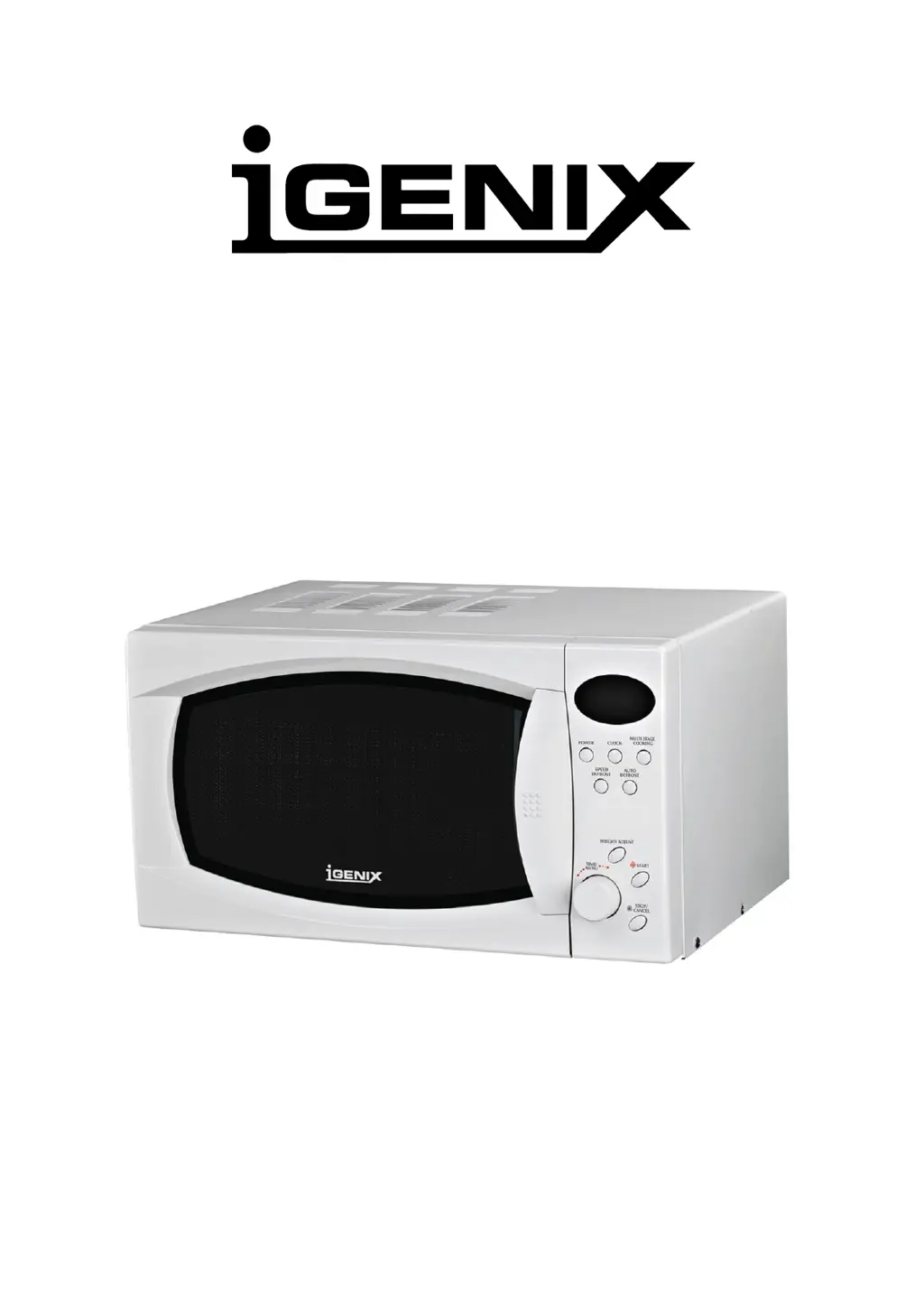
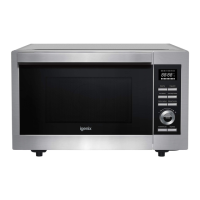
iGenix IG2810 - User Manual

iGenix IG2810
10 pages
Print Icon
To Next Page IconTo Next Page
Loading...
20L DIGITAL MICROWAVE 800W
Model Number: IG2810
INSTRUCTIONS FOR USE
Thank you for purchasing this product
Please read these instructions carefully before use

Questions and Answers

  • T
    Tamara LoweAug 5, 2025
    Why is my iGenix IG2810 Microwave Oven not working?
    • A
      Adam AlexanderAug 5, 2025
      Your iGenix Microwave Oven might not be working due to several reasons: it might not be plugged in or switched on at the mains, so check that it is properly connected and powered. Also, the door might not be closed correctly; the oven will only operate if the door is sealed properly, so ensure there's no obstruction to the safety interlock. The cooking time might not be set, so set the timer. Lastly, a fuse might have blown, or the main circuit breaker tripped; check the fuse in the plug and reset the circuit breaker if necessary.
  • T
    Tamara AllenAug 14, 2025
    What to do if my iGenix IG2810 Microwave Oven is sparking inside?
    • T
      Tiffany SmithAug 14, 2025
      If your iGenix Microwave Oven is sparking inside, it is likely due to metal inside the cavity. Remove any metal utensils and avoid using tin foil to cover food. Also, ceramic dishes with metallic trim should not be used.
  • E
    Emily CarterAug 26, 2025
    How to fix a noisy glass turntable in my iGenix Microwave Oven?
    • D
      deckertoddAug 26, 2025
      A noisy glass turntable in your iGenix Microwave Oven can be due to: 1. The turntable shaft and roller ring not assembled correctly. Assemble them correctly according to the instructions. 2. Dirt underneath the roller ring affecting movement. Ensure the oven cavity is kept clean and free of any food debris.

Summary

Instructions for Use

Safety Instructions

Specifications

Earthing Instructions

Installation

Utensils Guide

Digital Microwave at a Glance

Component Identification

Identifies key external components of the microwave oven.

Control Panel

Menu Action Screen and Buttons

Describes the display screen and primary control buttons.

Setting Digital Clock

Instructions for setting the digital clock time.

Microwave Cooking

Instructions for basic microwave cooking using power levels.

Quick Start Operation

Auto Defrost

Speed Defrost

Multi Stage Cooking

Auto Cook

Auto Cook Menu

Child Lock

Cleaning and Care

Troubleshooting

Disposal of Old Electrical Appliances

Guarantee Information

iGenix IG2810 Specifications

General IconGeneral
Control TypeDigital
Dimensions513 x 400 x 307 mm
Weight14.5 kg
Turntable Diameter315mm
Cooking Levels5
Defrost FunctionYes
Capacity28L

Related product manuals