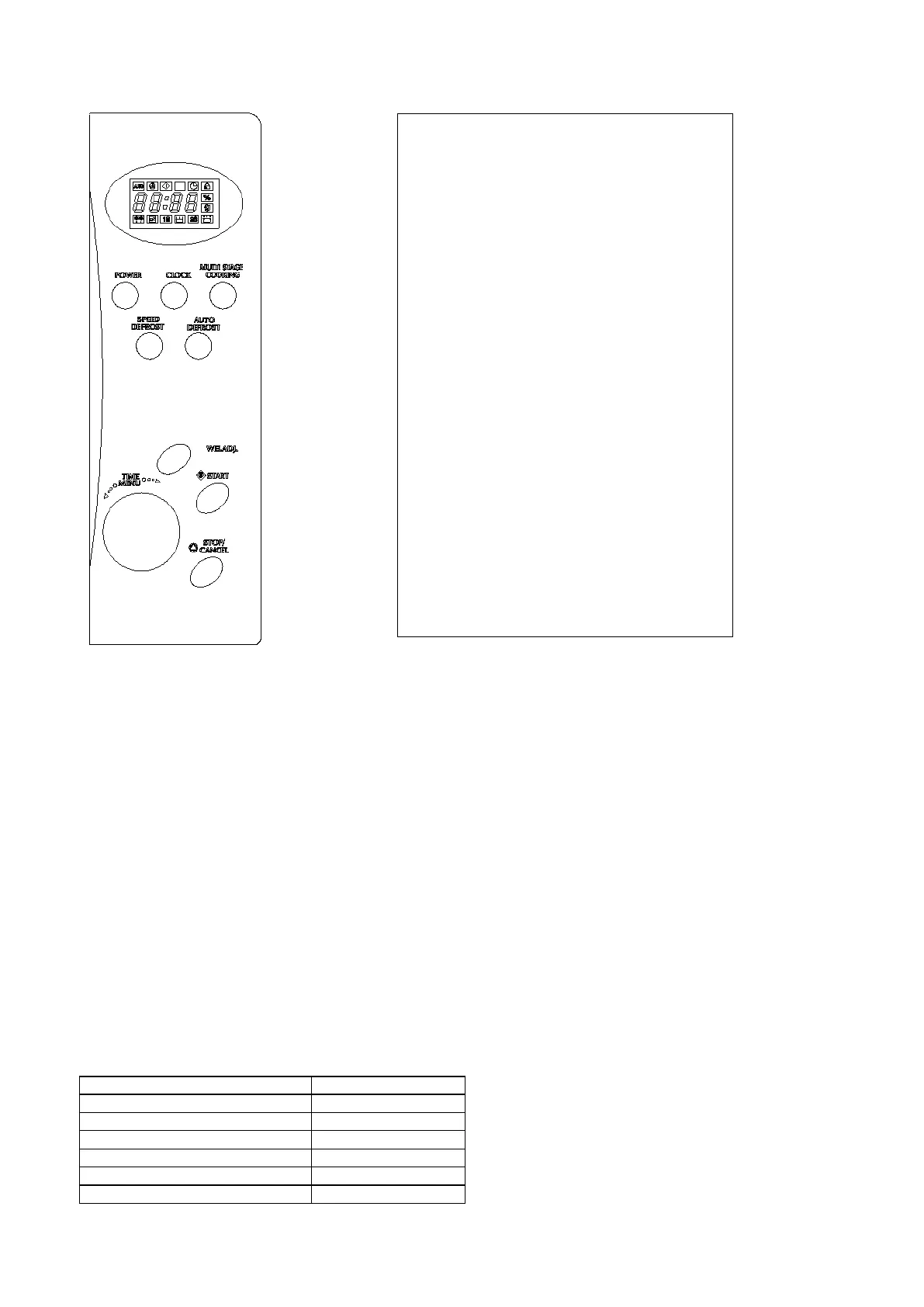
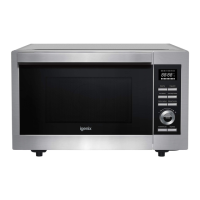
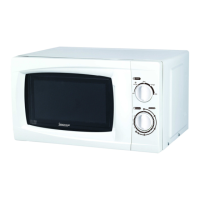
Control Panel
How to Set the Oven Controls
Each time you press a button a beep will sound.
Setting Digital Clock
With the oven ready for input, touch the CLOCK button once or twice to set the digital clock in 12 or 24 hours
cycle.
FOR EXAMPLE: Suppose you want to set the oven clock time to 8:30.
1. Press CLOCK button once or twice
2. Turn TIME/MENU to indicate the hour digit 8.
3. Press CLOCK button.
4. Turn TIME/MENU dial to indicate the minute digits until the screen shows 8: 30.
5. Press CLOCK to confirm the setting.
You can press the CLOCK button once to check clock time during cooking.
Microwave Cooking
To cook with microwave power alone, press the POWER button a number of times to select a cooking power level,
and then use the TIME/MENU dial to set a desired cooking time. The longest cooking time is 60 minutes.
Select power level by pressing the POWER button:
Menu Action Screen – Displays
cooking time, power, action indicators
and clock time.
Power – Touch this button multiple
times to select a microwave cooking
power level.
Clock – Touch this button to start
setting the clock and end by touching it
again.
Weight Adjust – Touch this button to
select food weight or number of
servings.
Auto Defrost – Touch to defrost food
by weight.
Speed Defrost – Touch to defrost food
by time.
Multi Stage Cooking – Use to set
multi stage cooking program.
Time/Menu – Turn the dial to input
cooking time and select from the
cooking menu.
Start – Touch to start a cooking
program.
Stop/Cancel – Press to cancel setting
or reset the oven before setting a
cooking program. Press once to
temporarily stop cooking or twice to
cancel cooking altogether. It is also
used for setting the Child Lock.


 To Next Page