EasyManua.ls Logo

Iget C210 - Button Functionality; Status Icons

Iget C210
12 pages
Print Icon
To Next Page IconTo Next Page
To Previous Page IconTo Previous Page
Loading...
2
1. BUTTON FUNCTIONALITY
Power on
Press left button
Press left button
Press left button to Record/Pause
Switch display
Press right button to switch data pages
Lap
Press middle button to mark a new lap
Save activity
Hold right middle button for more than 2 seconds to
save activity while recording
Power off
Hold left button more than 10 seconds
Forced shutdown
Press right button to switch data pages
Enter the setting mode
Hold right button more than 2 seconds to enter the
setting mode
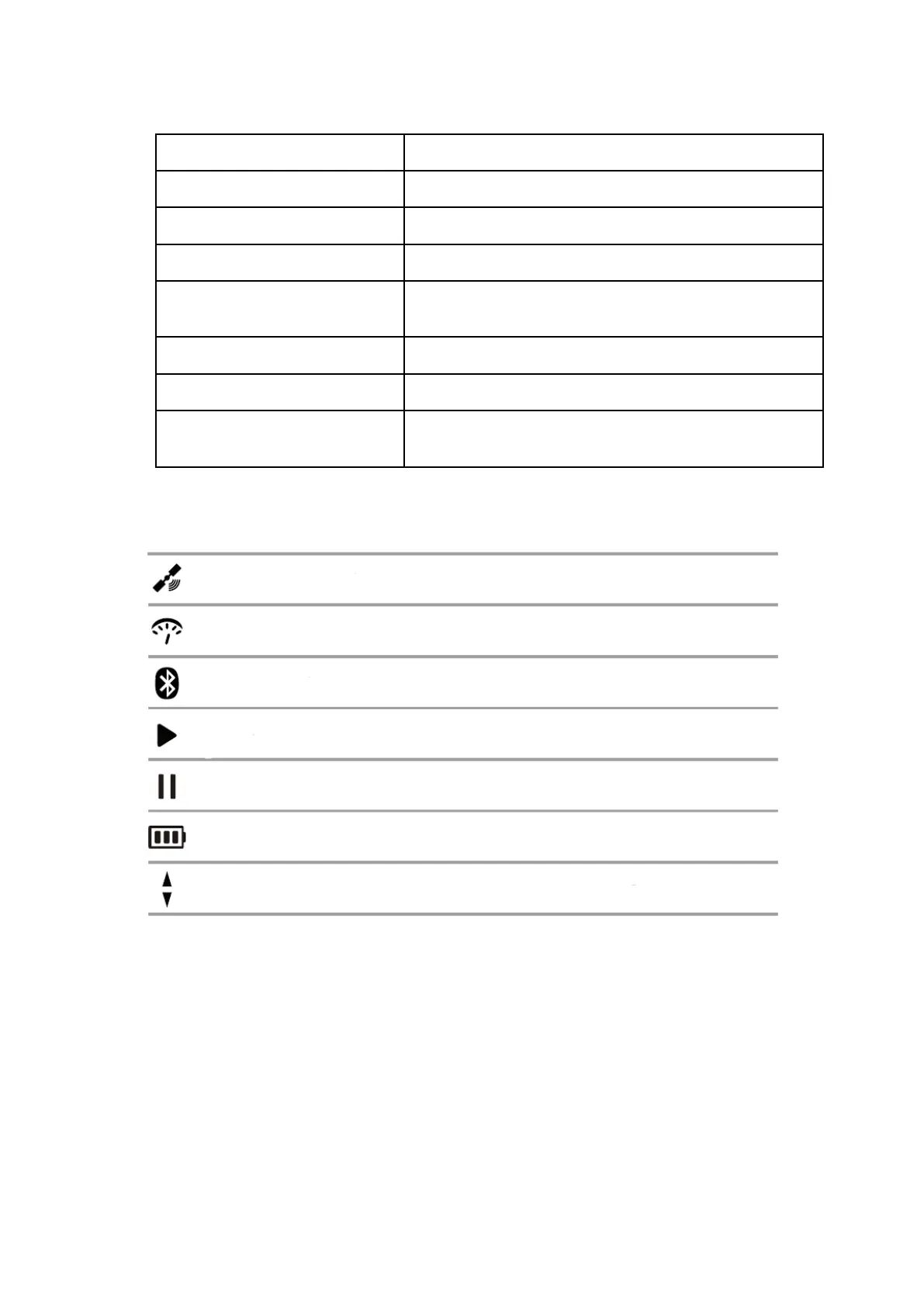
2. STATUS ICONS
Satellite signals
Speed sensor
Bluetooth
Speed arrow (The speed is greater or less than the average speed)
Battery
Pause
Recording

Related product manuals