6
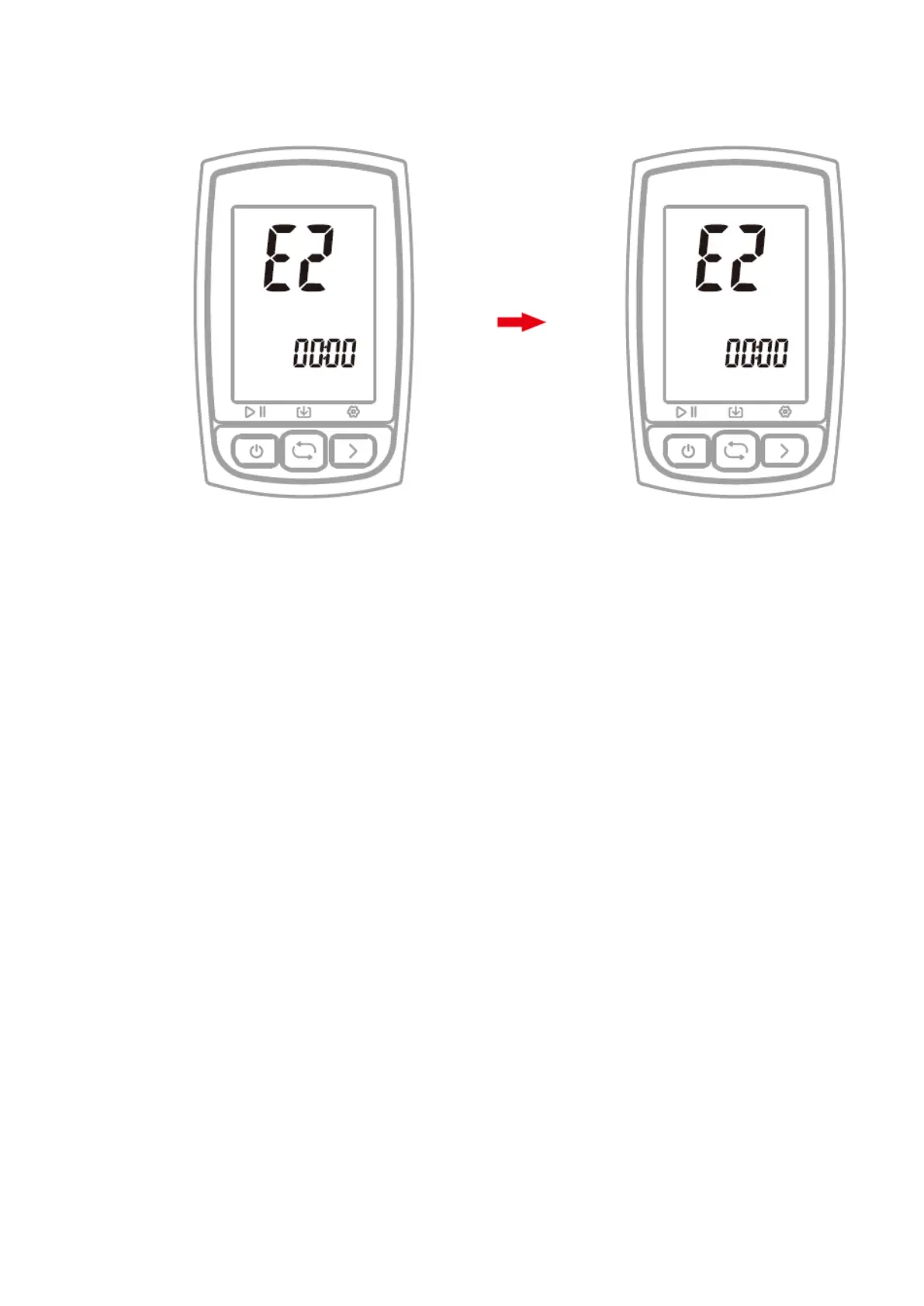
6. SETTING TIME ZONE (SETTING MODE E2)
Default time zone: UTC/GMT+00:01 (Please set the local time zone)
Steps:
1) Hold the right button for more than 2 seconds to enter the setting mode.
2) Select the right button to scroll settings mode from E1 to E5.
3) Select the left button to enter E2 mode when E2 is flashing.
4) Select left button to change digits of hour and minute, select right button to change
value.
5) Hold right button more than 2 seconds to save and exit
Note:
- The setting will be automatically saved if no operation is done within 10
seconds.



 To Next Page