5
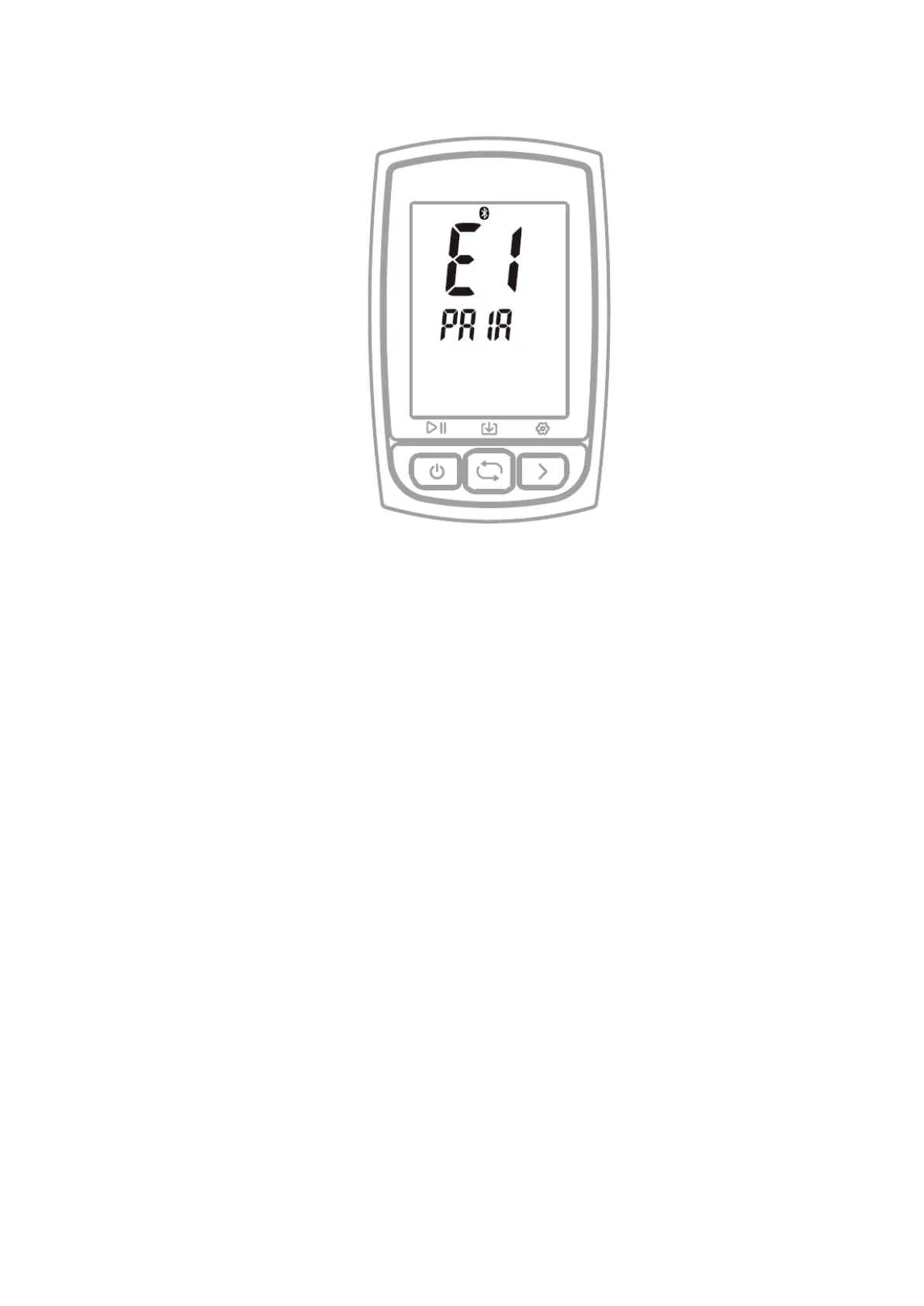
5. PAIRING YOUR SMARTPHONE (SETTING MODE E1)
Steps:
1) Hold the right button for more than 2 seconds to enter the setting mode.
2) Select the right button to scroll settings mode from E1 to E5.
3) Select the left button to enter E1 mode when E1 is flashing.
4) When C210’s Bluetooth icon flashes it means the device is searching.
5) Download the GPS Bike APP.
6) Turn on your smartphone’s Bluetooth and open GPS Bike App
7) Enter the Status menu, click +, find “C210” and click it to connect.
8) When C210’s Bluetooth icon lights up it means it is connected and paired with a
smartphone
Note:
- After the phone is paired successfully, the device and the phone will
automatically connect with Bluetooth.
- You can set the time zone, wheel size, metric and imperial units in the GPS
Bike APP.
- If the Bluetooth icon of C210 is not displayed, it means that it has paired the
phone but is not connected.



 To Next Page