9
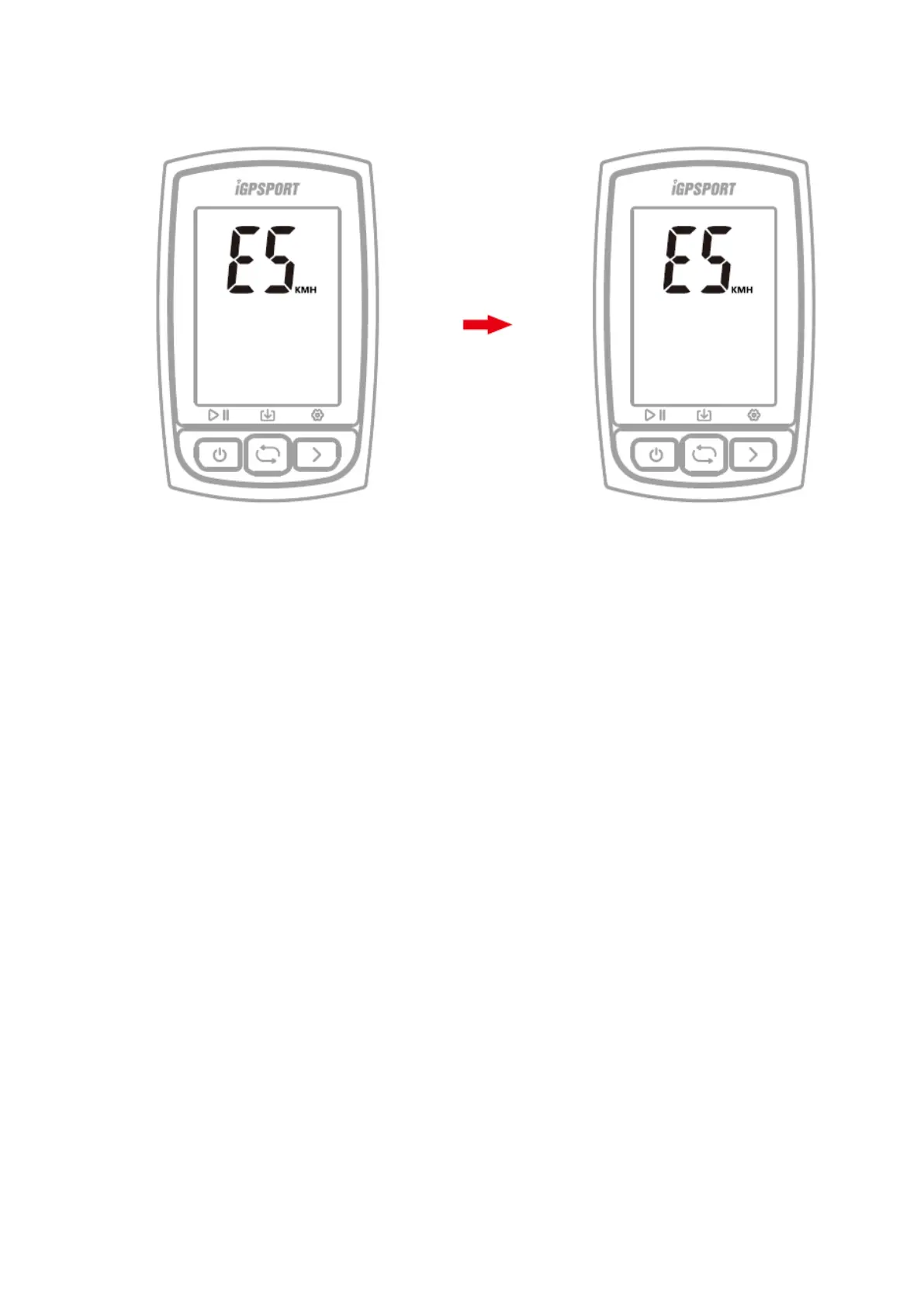
9. SETTING METRIC AND IMPERIAL UNITS (SETTING MODE E5)
Default unit: metric (kilometre)
Steps:
1) Hold the right button for more than 2 seconds to enter the setting mode.
2) Select the right button to scroll settings mode from E1 to E5.
3) Select the left button to enter E5 mode when E5 is flashing.
4) Select the right button to switch between metric (kilometre) and imperial (mile) units.
5) Hold the right button more than 2 seconds to save and exit.
Note:
- The setting will be automatically saved if no operation is done within 10
seconds.
10. ACQUIRING SATELLTE SIGNALS AND TIME SETTINGS
C210 will automatically calculate the sunrise and sunset time based on the GPS
position. Backlight turns on before sunset and turns off after sunrise automatically.
When the backlight is off, select any button to turn on backlight for 15 seconds.
11. SMART BACKLIGHT
C210 will automatically calculate the sunrise and sunset time based on the GPS
position. Backlight turns on before sunset and turns off after sunrise automatically.
When the backlight is off, select any button to turn on backlight for 15 seconds.
12. BATERIE
Warning: Keep C210 far away from the fire.



 To Next Page