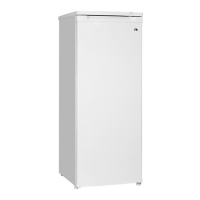
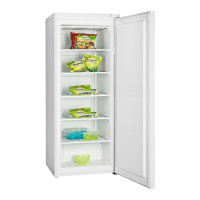
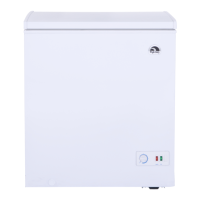
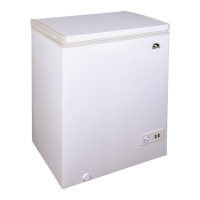
ICF18, ICF32, ICF40, ICF60, ICF80DZ Warranty
17
3.2 Operating
To avoid food waste, note the following:
• Keep temperature fluctuation as low as possible. Only open the cooling device as often
and for as long as necessary. Store the foodstuff in such a way that the air can still cir-
culate well.
• Adjust the temperature to the quantity and type of the foodstuff.
• Foodstuff can easily absorb or release odor or taste. Always store foodstuff covered or
in closed containers/bottles.
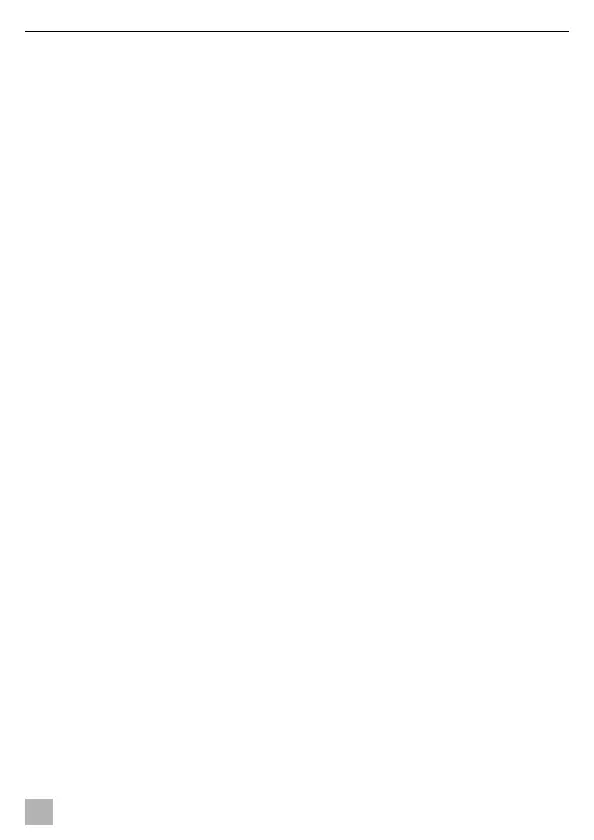
Scope of delivery: fig. 1
Proceed as shown:
• Connecting to a battery: fig. 2
• Connecting to an AC power supply: fig. 3
• Switching on: fig. 3
• Switching off and storing: fig. 4
• Selecting the temperature units: fig. 5
• Setting the temperature: fig. 6
• Using the battery monitor: fig. 7
• Setting the display‘s brightness: fig. 8
4 Warranty
The statutory warranty period applies. If the product is defective, please contact your
retailer or the manufacturer's branch in your country (see dometic.com/dealer).
For repair and warranty processing, please include the following documents when you
send in the product:
• A copy of the receipt with purchasing date
• A reason for the claim or description of the fault
Note that self-repair or non-professional repair can have safety consequences and might
void the warranty.
Igloo ICF18, ICF32, ICF40, ICF60, ICF80DZ_ SOM_4445103836_ EMEA24-ar _202x-xx-xx.book Page 17 Friday, September 15, 2023 12:50 PM


 To Next Page