16
Retrieving Activity Logs
Activity Logs
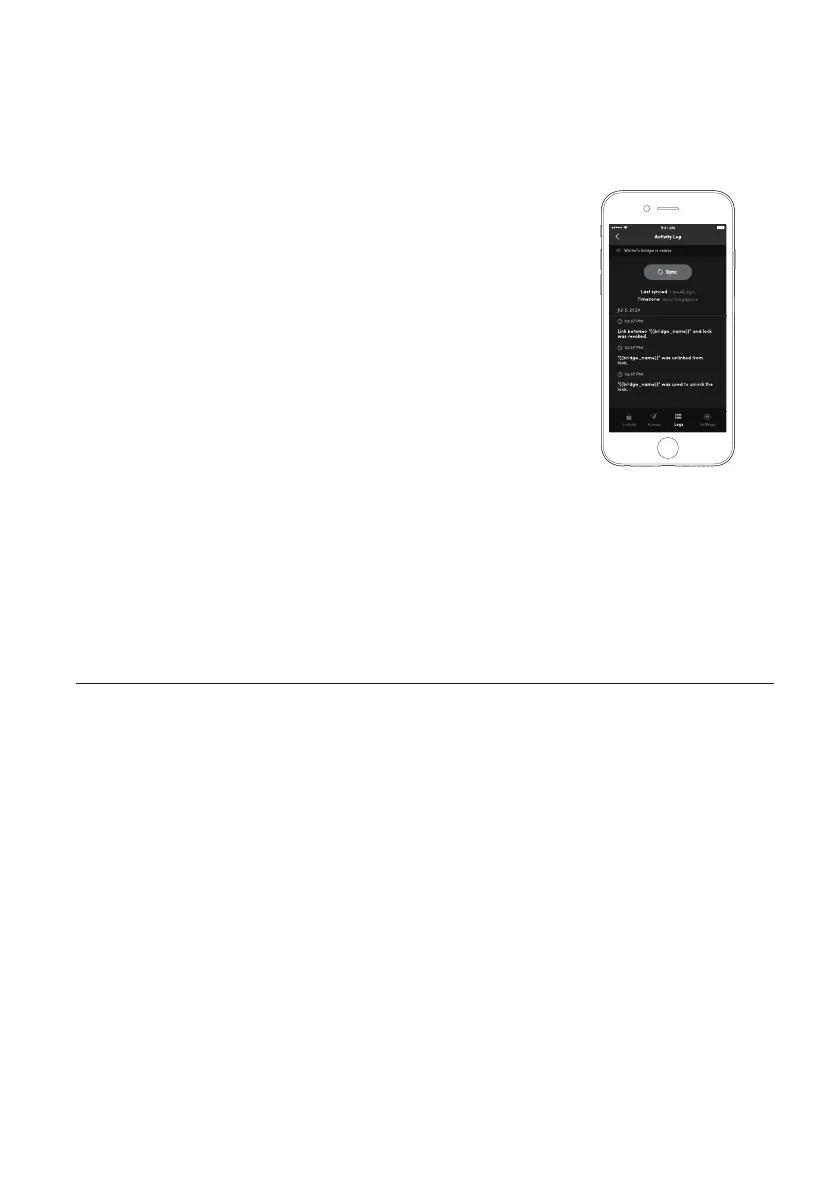
To retrieve activity logs from your lock, go to the Activity
Log view in the App. If your lock is from the latest
batch or has the latest Firmware update, the Bridge
will automatically retrieve activity logs from the lock.
If your lock is from an earlier batch, the activity logs will not
be automatically retrieved by the Bridge. You will have to
upgrade the Firmware on the lock in order for the Bridge
to automatically retrieve activity logs from the lock. Please
check the availability of a Firmware update for your lock.
There are 3 steps to viewing Activity Logs
1. Go to Home
2. Select the lock you want to view the activity logs for
3. Select the [Logs] tab from the bottom of the screen
Note: Users may need to press the [Sync] button to view
the activity logs if the logs are not automatically updated.


 To Next Page