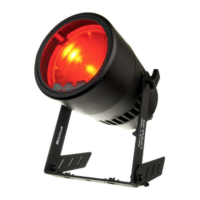
LED Studio Par Platinum 20x3W PWM
6 / 12
3. Set Up
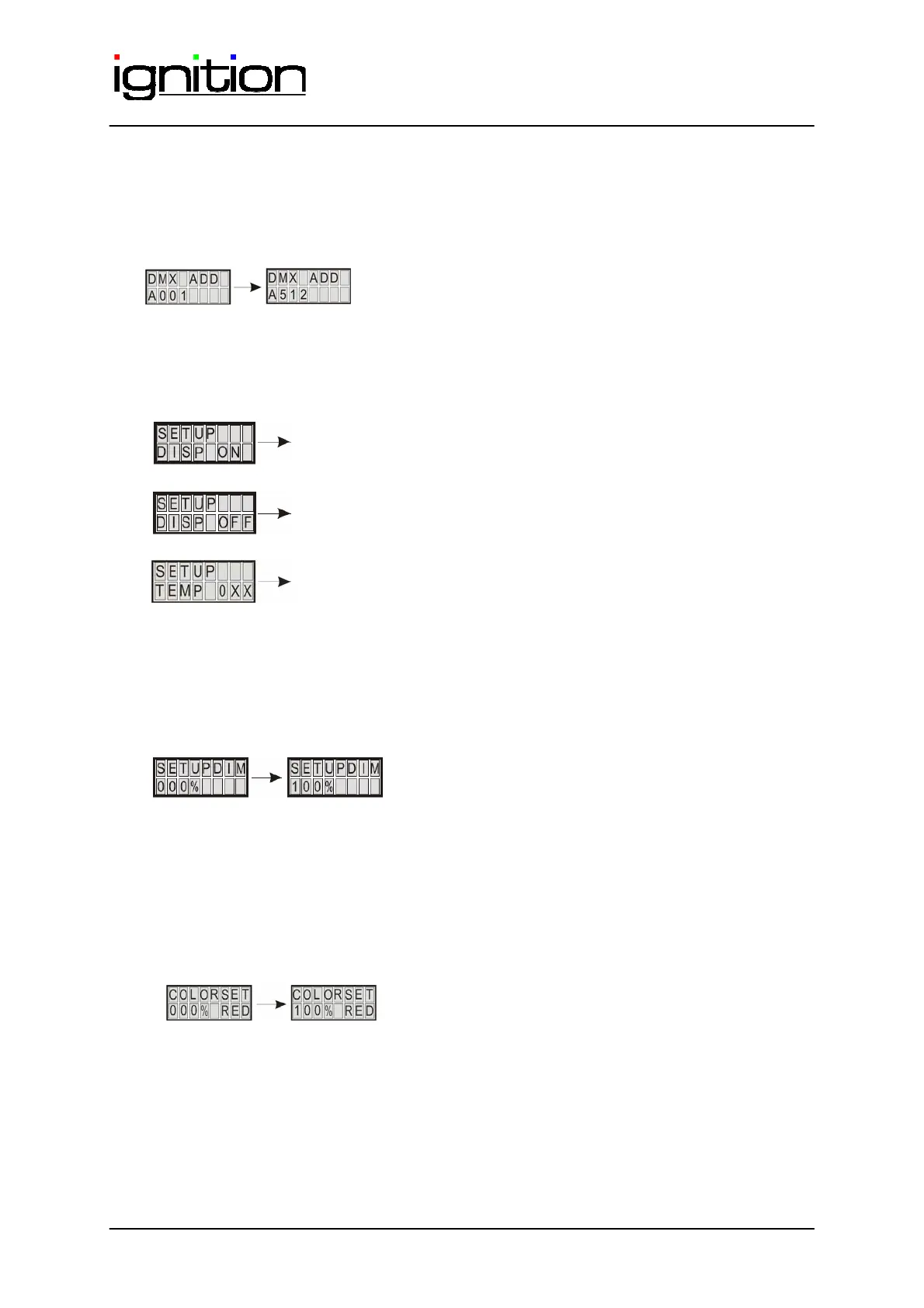
3.1. DMX ADD.
Defines the DMX start address
3.2. Display settings
Dis
la
Back
round li
hts on.
Display background light turn off after 10s.
Display shows the temperature of the board in °C. When the
temperature is above 70°C , the output rating will reduce down to
30%, until the temperature falls back to 70°C. That’s to protect the
LED and give it a long lifetime
3.3. Manual Dimmer
Manuel dimming 0-100%
This setting overwrites every other setting like the max output in manuel or DMX mode and the
built in programs.
3.4. Manual colourselection
Determines the maximum intensity of the colour red 0 % - 100%. This setting overwrites every
other setting like the max output in manual or DMX mode and the built in programs.


 To Next Page