iHelp Mini Owner’s Manual
18 19
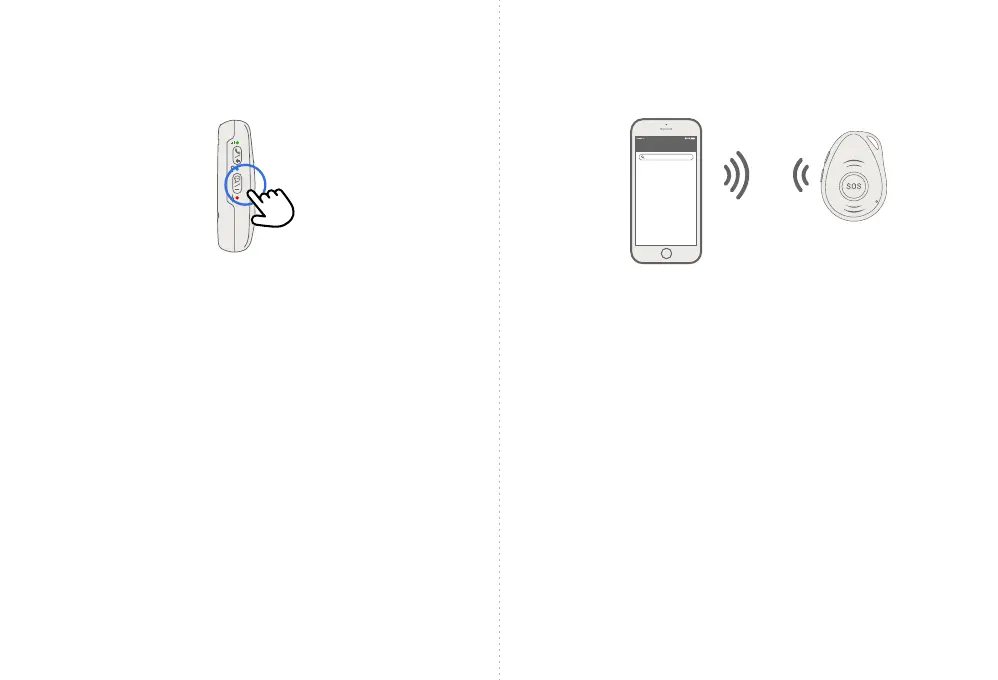
Silent Mode
• To turn off voice warnings, double-click the bottom
side button. The device will verbally tell you that voice
prompts have been turned off.
• To turn voice warnings on, double-click the bottom
side button. The device will verbally tell you that voice
prompts have been turned on.
Double-click
Locating your iHelp Mini
To locate your iHelp Mini anywhere in North America, text
the message RING to 833.733.2897 from your text enabled
phone. Your iHelp Mini will ring up to 10 times.
Or, you can locate your iHelp Mini by texting the word TRACK
to 833.733.2897 from your text enabled phone. Your phone
will receive a text message response with a link to a map
(smartphone only) of your iHelp Mini’s location.
Message
Find the
iHelp Mini
Search



 To Next Page