Quick Start Setup
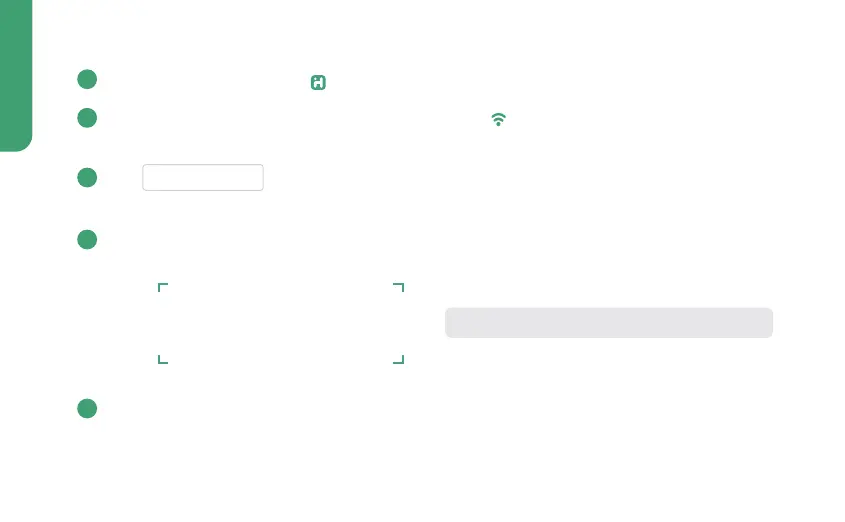
Download and open the iHome Control app from the App Store or Google Play.
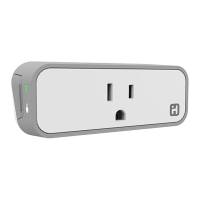
Plug the SmartPlug into a desired outlet*. The LED will start blinking to indicate
it is ready for setup.
Tap Add Device ... in the Devices tab and follow the on-screen directions to
complete setup.
When prompted, scan or type the Accessory Setup Code below:
Success! You should now be able to toggle your SmartPlugs ON or OFF from the
iHome Control app or by using Siri
®
.
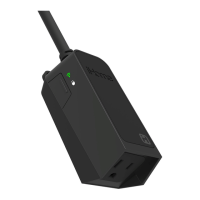
* When used outdoors, must be plugged into GFCI outlet ONLY.
1
2
3
4
5
NOTE: When typing, dashes are not required
1


 To Next Page