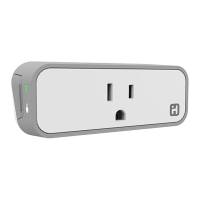
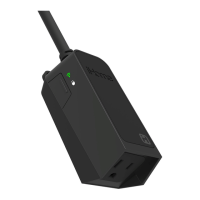
The iSP100 SmartPlug is a Wi-Fi enabled device that allows wireless control of lamps,
heaters, fans and other small appliances up to 1800 Watts general use.
2
Plug Overview
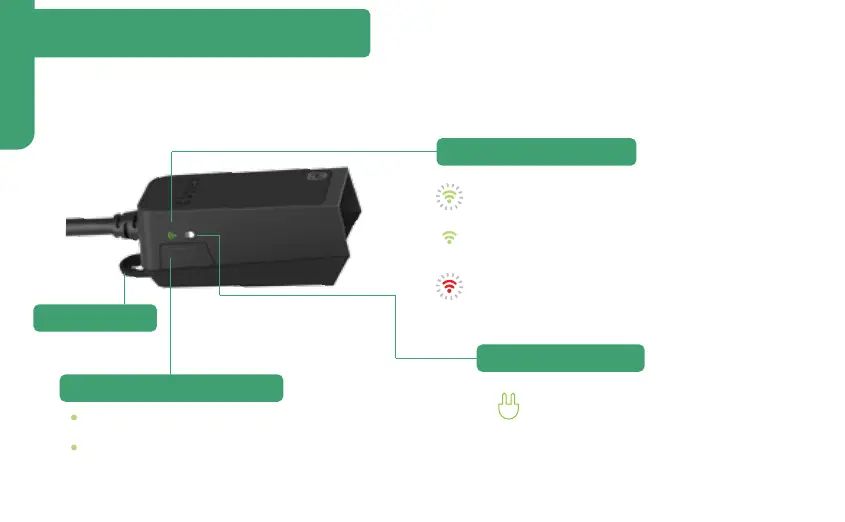
Press once to toggle SmartPlug ON or OFF
Press and hold for 15 seconds to reset the
SmartPlug to factory settings
(Use the iHome Control app to reconfigure network settings)
Lights up when SmartPlug is ON and
electricity is flowing through
Flashing Green: SmartPlug is searching for
a Wi-Fi network
Solid Green: SmartPlug is connected to
a Wi-Fi network
Flashing Red: SmartPlug is disconnected
from a Wi-Fi network
Button
Wi-Fi Status Indicator
Power Indicator
Mounting Tab
3


 To Next Page