Pairing Your Device
Pairing is the set-up process to introduce your Bluetooth-capable device to
the iBT77. Once your device is paired, the iBT77 can recognize it and you can
play your audio through it.
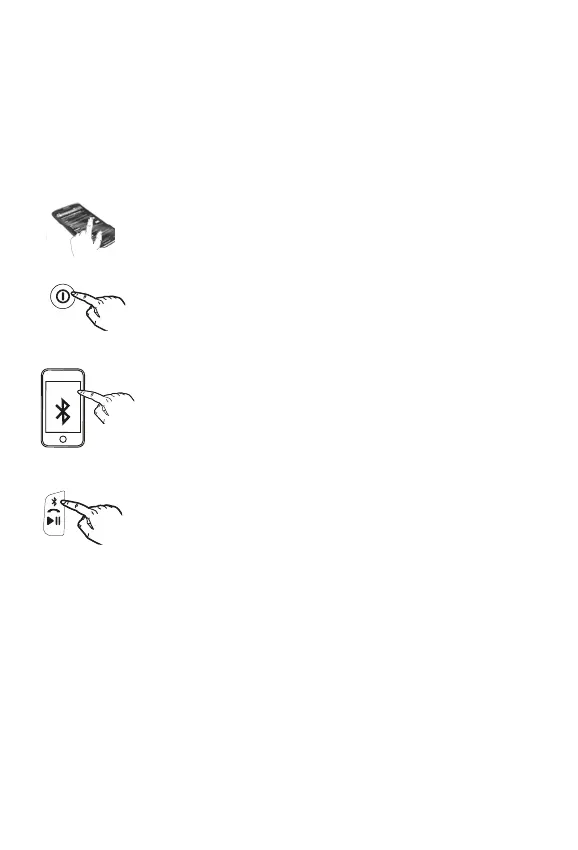
1. Turn on your Bluetooth device and make it “discoverable”
by turning on Bluetooth mode (check in Options or
Settings).
2. Press and hold the Power Button to turn on the iBT77.
The first time the unit is powered on, it will enter
auto-pairing mode: the unit will beep and the Bluetooth
status indicator light on top of the unit will flash quickly
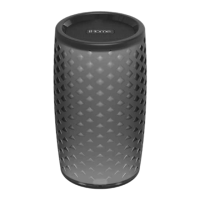
while the unit attempts to pair. “iHome iBT77” should
appear in your device’s Bluetooth menu. Select “iHome
iBT77” on device to begin/complete pairing. If prompted
for a passcode, enter “1234” on your device’s keypad. 1
beep will sound and the Bluetooth status indicator light
will appear solid blue , indicating the iBT77 is paired and
ready to play music. There should also be an indication on
your device. If no device is successfully paired within 3
minutes the iBT77 will default to previous mode.
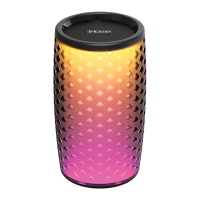
3. To pair with a dierent device or at a dierent time, make
sure unit is powered on, then press and hold the
Bluetooth/Speakerphone/Play/Pause Button for 2
seconds. Select “iHome iBT77” on device to pair.
Once the iBT77 is paired to a device, it will attempt to
autolink when the device is within range (about 33 feet).
6
Using the iBT77
iHome iBT77


 To Next Page