1
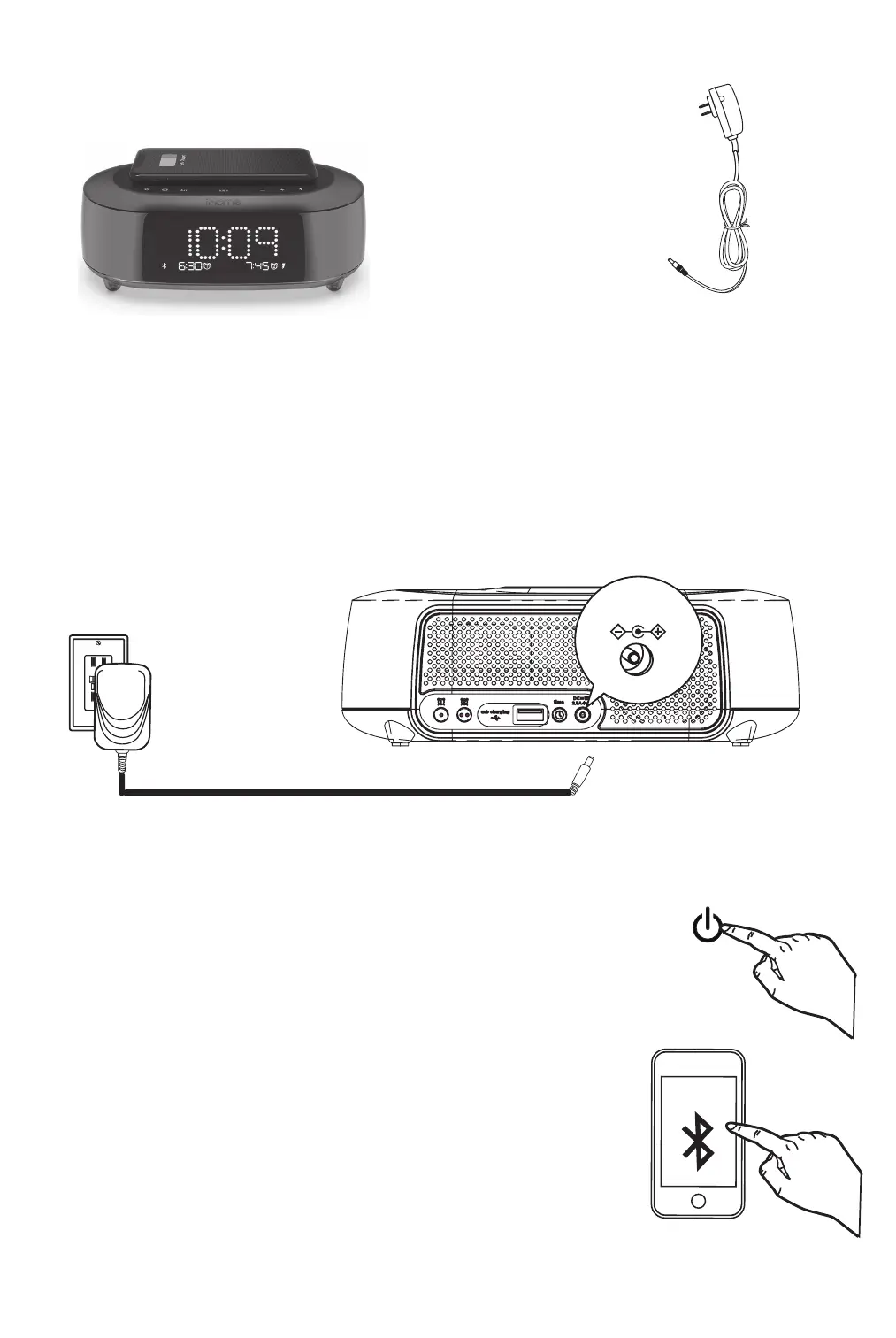
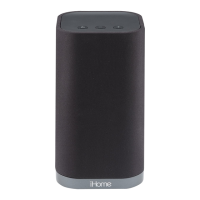
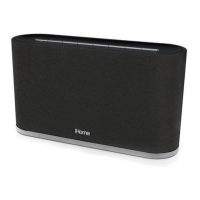
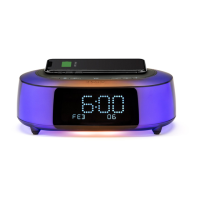
1. iBTW281 2. AC adapter
DC 12V 2.5A
CONNECTING THE UNIT
Plug the included AC adapter into the DC jack on the back of the unit and
connect the plug to a working outlet not controlled by a light switch.
WHAT’S INCLUDED:
• Turn on your Bluetooth device and make it
‘discoverable’ by turning on Bluetooth mode.
• Pr
ess the Power Button on the iBTW281. The first
time the unit is powered on, it will automatically
ent
er pairing mode.
• Select ‘iHome iB
TW281’ on your device’s
Bluet
ooth menu to connect!
QUICK BLUETOOTH PAIRING
iHome
iBTW281


 To Next Page