9V, 3A
RESET
RESET
TEST
TEST
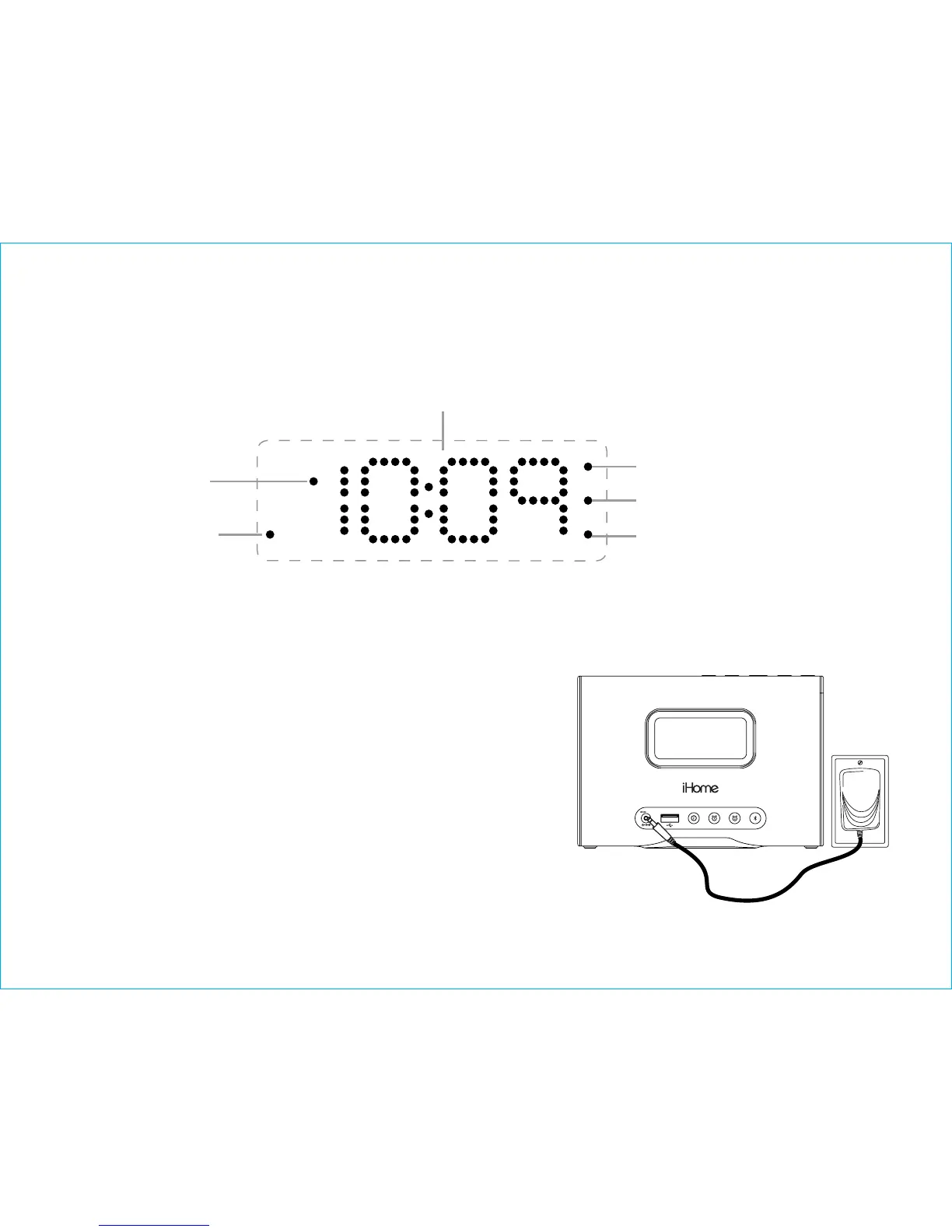
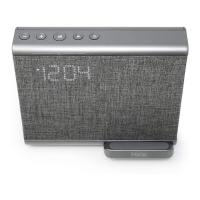
The Display
iBTW39
3
Alarm 1 Active Indicator
Alarm 2 Active Indicator
Bluetooth
Pairing
Indicator
(Blue LED)
PM Time Indicator
Time Display
Low Backup Battery Indicator
(Red LED)
Connect the AC adaptor
Powering Up the Unit
Connect the included AC adapter to the DC jack
located on the back of the unit and connect the
other end to a working wall outlet not controlled by
a light switch.
A CR2450 3V battery is included for battery
backup. See page 11 for more on installing and
replacing backup batteries.


 To Next Page