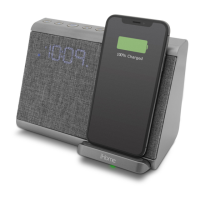
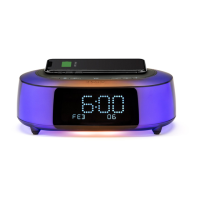
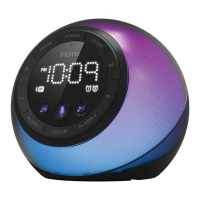
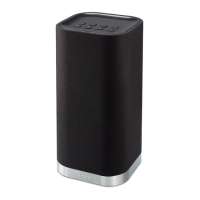
Snooze/Display Dimmer Cap Touch Button
1. To program Snooze, touch and hold the Snooze/Display Dimmer Cap Touch Button (ZZZ)
during normal operation (when no alarm is sounding).
2. Press the – or + Buttons to select the desired snooze time (between 01 and 29 minutes).
3. Touch and release the Snooze/Display Dimmer Button to confirm Snooze setting. 2 beeps
will sound.
4. While the alarm is sounding, touch and release the Snooze/Display Dimmer Button to
temporarily silence the alarm for the set duration (9 minutes is the default). Snooze can be
used several times during the 1 hour alarm sounding time.
5. To adjust the brightness of the display, touch and release the Snooze/Display Dimmer
Button during normal operation (when no alarm is sounding) to cycle through the
brightness display settings (Hi, 3, 2, Lo, and O).
7
Using the iBTW39


 To Next Page