9V, 3A
RESET
RESET
TEST
TEST
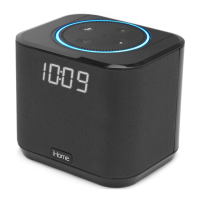
iHome
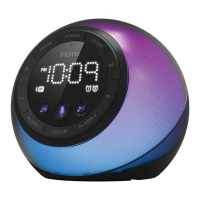
iBTW39v2
+
2
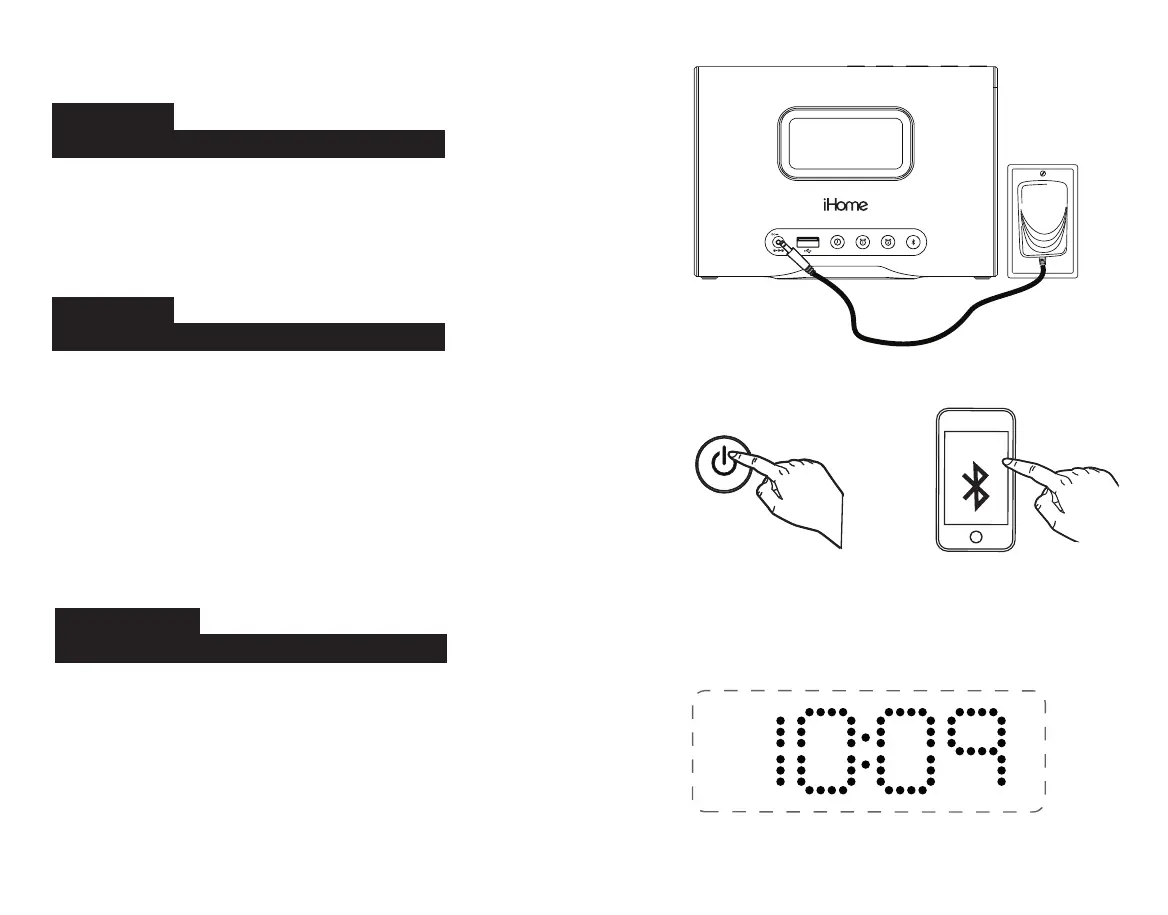
Connect the included AC adapter to the DC jack located
on the back of the unit and connect the other end to a
working wall outlet.
Connecting the Unit
Step One
Quick Set-Up:
Setting Your Clock
Step Two
Bluetooth Pairing
Step Three
• Turn on your Bluetooth device and make it
‘discoverable’ by turning on Bluetooth mode.
•
Press the Power Button on the iBT39v2. The first
time the unit is powered on, it will automatically
enter pairing mode.
• Select ‘iHome iBT39v2’ on your device’s
Bluetooth menu to connect!
• Press and hold the Time Set Button until the
display flashes.
•
Press the – or + Buttons to adjust selections and
press Time Set to confirm.
• Do this for time, year, month and date.
• All done!


 To Next Page