Stand
Back rest
P5
Meet Your Unit
Stand
Stand
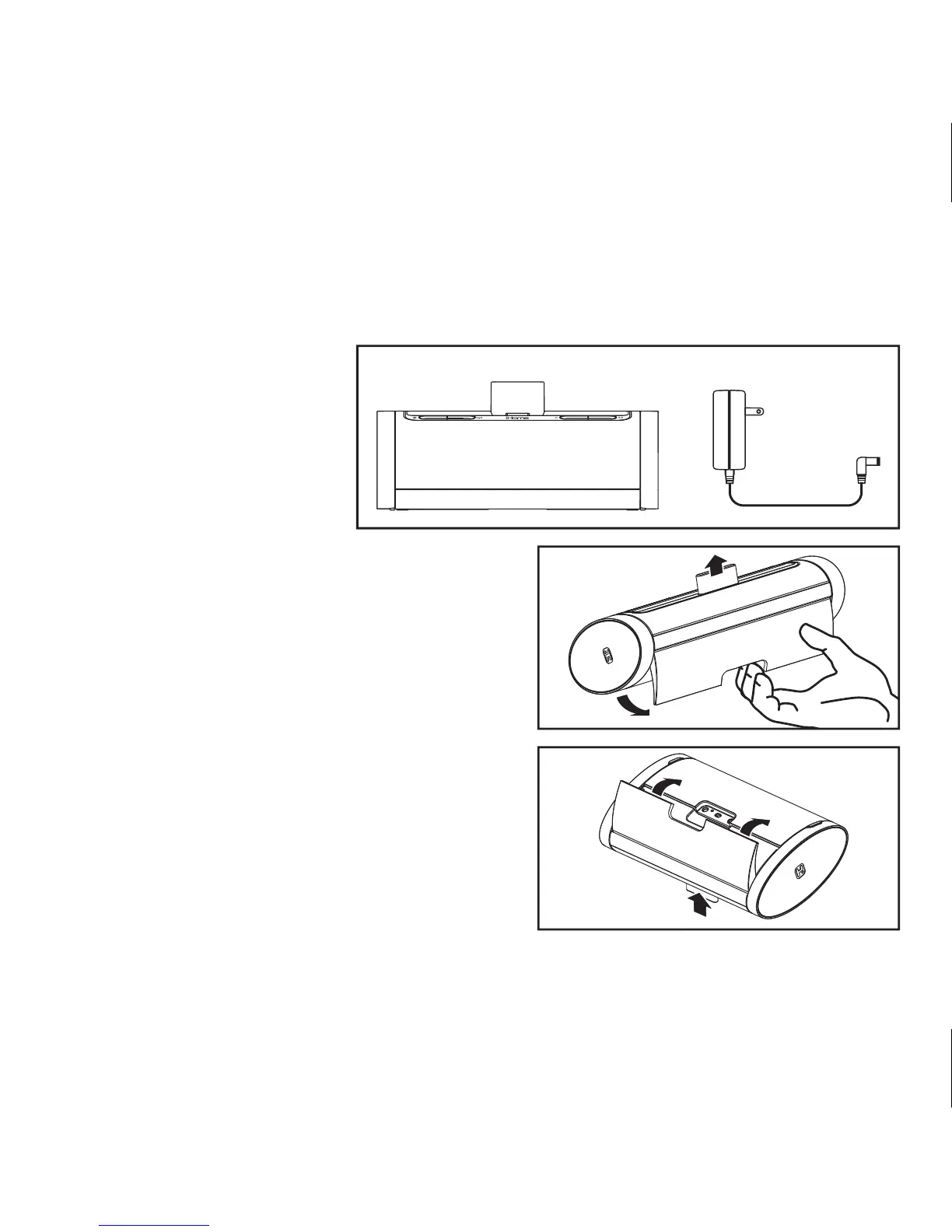
Included
• iD48 system
• 1 100V-240V AC Adaptor
AC adaptoriD48 system
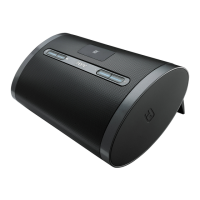
Gently pull backwards on the indent of the stand
located on the rear of the unit and pull it into place
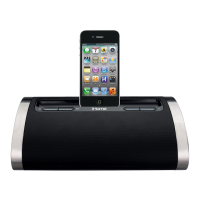
for support mode. Note that the retractable back
rest on the top of the unit will pop up to support a
docked iPad, iPhone or iPod.
To close the stand, simply press back into place.
The retractable back rest will automatically fold
down inside when the unit is closed.
NOTE: DO NOT try to dock an iPad, iPhone or
iPod without first opening the stand and popping
up the back rest. Doing so could damage the unit
and/or your device.
2


 To Next Page