Using the Remote Switch
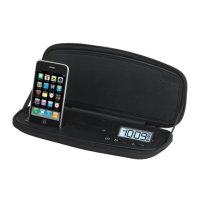
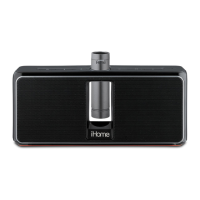
The iD48 has a Remote Switch located on the back of the unit. Slide the
switch to the AUTO position to save battery power when traveling or
operating on the internal battery. AUTO disables remote operation when
operating on the internal battery. Slide switch to ON position for normal
remote operation.
NOTE: The optional Rz7 remote control for the iD48 is available at
www.ihomeaudio.com or call 1-800-288-2792 toll free to order.
P9
Playing Audio via Aux
1. Connect a standard 3.5 mm stereo audio plug to the headphone or
line-out jack on your audio device and the other end to the line-in jack
located on the back of the unit.
2. Press the Button to turn on the unit.
3. Turn on your audio device and place it in play mode.
4. Use the or Buttons to adjust volume. You may wish to adjust the
volume on your audio device, too.
5. When done listening, press and release the Button to turn the unit off.
Remember to turn off your audio device, too.
6


 To Next Page