EasyManua.ls Logo

iHome IP23 - User Manual

iHome IP23
12 pages
Print Icon
To Next Page IconTo Next Page
Loading...
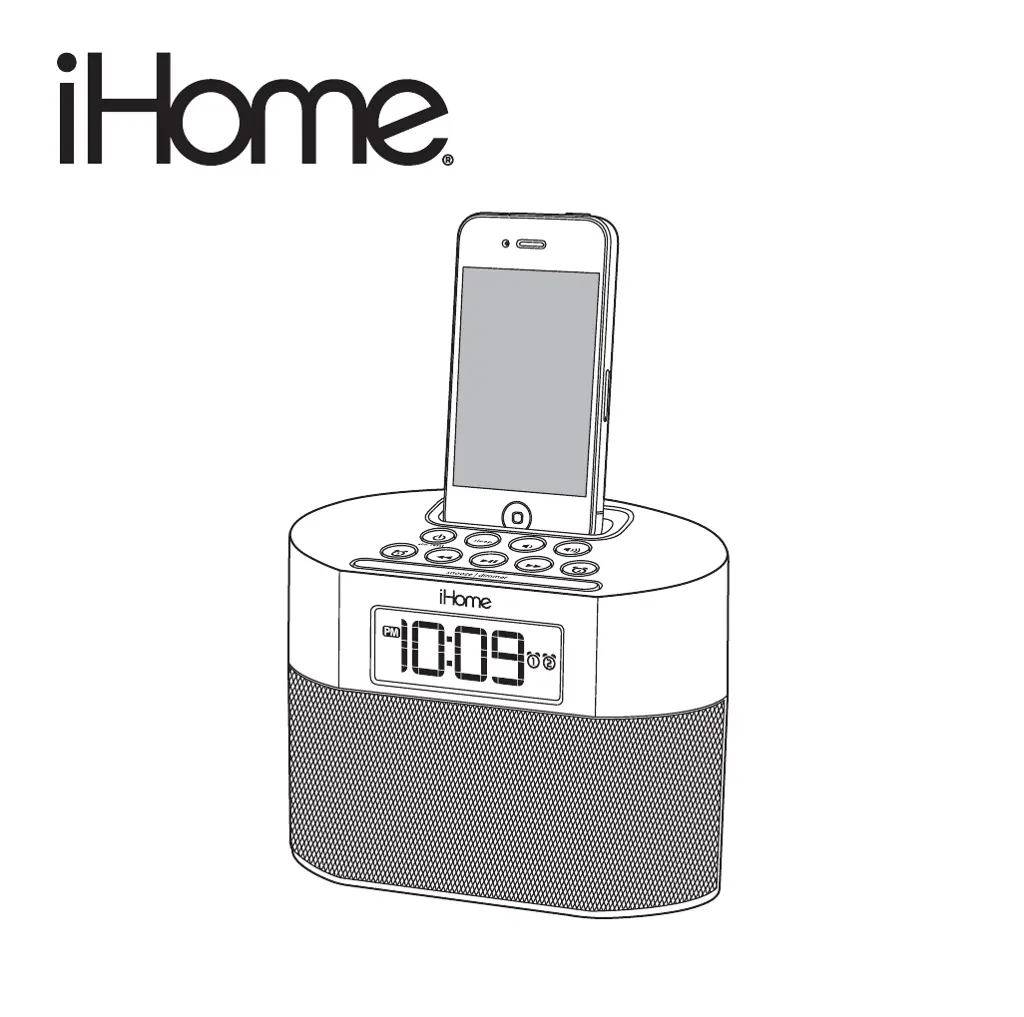
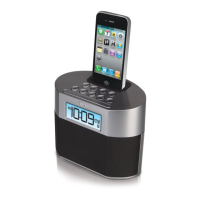
Model iP23
Dual Alarm Clock
for iPhone and iPod
®
Model:iP23(Englishversion)
InstructionManual
Date:Jan26,2011
Printcolor:Blacktextonwhitepaper
Size:178Wx178Hmm
Questions? Visit www.ihomeaudio.com

Questions and Answers

  • T
    Tracy LewisJul 26, 2025
    What to do if my iHome IP23 Alarm Clock doesn't respond or power on?
    • D
      Debbie MontgomeryJul 26, 2025
      If your iHome Alarm Clock isn't responding, first ensure the AC adapter is properly plugged into both a functioning wall outlet and the power supply jack on the back of the unit. To check if the wall outlet works, plug another device into it.
  • A
    Angela JordanAug 1, 2025
    What to do if my iPhone/iPod won't charge on my iHome Alarm Clock?
    • C
      Connie MarksAug 1, 2025
      If your iPhone/iPod isn't charging on the iHome Alarm Clock, remove it and check for obstructions on the connectors, both in the dock and on your device. Reseat the iPhone/iPod in the dock. Also, ensure your iPhone/iPod is working correctly and isn't frozen.
  • L
    Lisa BassAug 7, 2025
    Why is the sound distorted on my iHome Alarm Clock?
    • S
      stephanie17Aug 7, 2025
      Sound distortion on your iHome Alarm Clock can occur for several reasons. First, decrease the unit's volume. If the audio file is of poor quality, distortion may be noticeable with high-power speakers, so try a file from a trusted source like iTunes. If you're using an iPod shuffle or an older generation iPod, reduce the output volume on the device itself. Also, turn off bass boost in your iPod settings.
  • B
    Brittany TaylorAug 13, 2025
    What to do if there is no sound when playing my iPhone/iPod on my iHome IP23?
    • M
      Miss Melissa Hoover MDAug 13, 2025
      If you're not getting any sound when playing your iPhone/iPod on the iHome Alarm Clock, first, remove your iPhone/iPod and check for obstructions on the connectors in the dock and on your device, then reseat it. Make sure your iPhone/iPod is playing by pressing the play button. Also, ensure your iPhone/iPod is working properly before docking it. If you are using a 1st or 2nd generation iPod, or an iPod shuffle, connect it using the Line-in.
  • M
    Mitchell DayAug 19, 2025
    How to properly dock my iPhone/iPod into iHome IP23 Alarm Clock?
    • B
      Brian RodriguezSep 12, 2025
      To dock your iPhone/iPod properly into the iHome Alarm Clock, ensure you're using the correct dock insert for your device. Remove your iPhone/iPod and inspect the dock area and your device for any obstructions. If you have a case or skin on your iPhone/iPod, remove it before docking.

Summary

Controls and Indicators

Top Panel

Describes controls on the top surface of the unit.

Rear Panel

Details the connections and buttons on the rear of the unit.

iP23 Quick Start

Installing;Replacing Clock Backup Batteries

Operating the Unit

Setting the Clock Time Using Time Sync

Synchronizes the unit's time with a connected iPhone or iPod.

Setting Time and Calendar Manually

Manually adjusts the clock time and date on the unit.

Using the Alarms

Details how to set and manage alarm functions on the unit.

Alarm and Audio Operation

Reviewing, Arming and Disarming Alarm

How to turn alarms on/off and check their status.

Resetting the Alarm to Come on the Next Day

Silencing the current alarm and setting it for the next day.

Snooze Operation

Explains how to use the snooze function to delay alarms.

Charging your iPhone;iPod

Instructions for charging docked iPhone/iPod models.

Listening to your iPhone;iPod

How to play audio from a docked iPhone/iPod.

Additional Operations

Using the Aux line-in Jack

How to connect and play audio from external devices via the aux jack.

Sleep Operation

Setting the unit to automatically turn off after a specified sleep time.

Dimmer Operation

Adjusting the brightness of the LCD display.

A Consumer Guide to Product Safety

Trouble Shooting

Limited 1 Year Warranty Information

iHome IP23 Specifications

General IconGeneral
Apple docking compatibilityiPhone, iPod
BacklightYes
Display typeLCD
Backlight colorBlue
AC input voltage100-240 V
Product colorSilver

Related product manuals