EasyManua.ls Logo

iHome IP21 - User Manual

iHome IP21
13 pages
Print Icon
To Next Page IconTo Next Page
Loading...
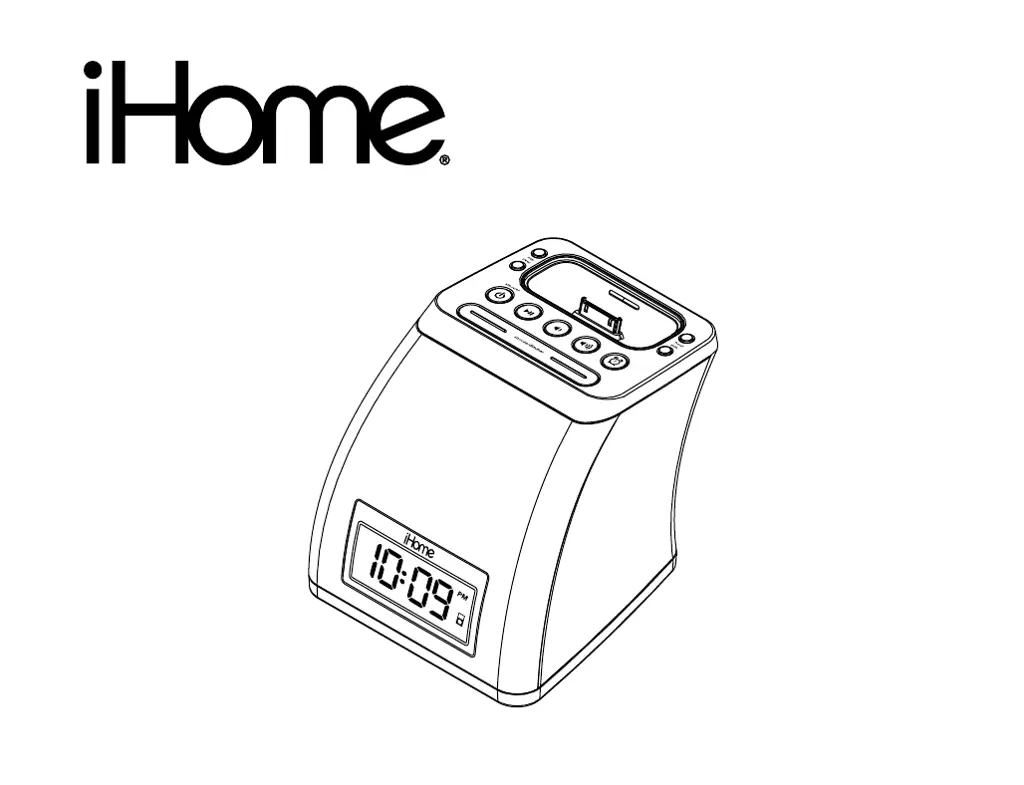
Model iP21
Alarm Clock for
your iPhone/iPod
®
Questions? Visit www.ihomeaudio.com
Model:iP21fornonremote
InstructionManual
Date:May24,11
Printcolor:Blacktextonwhitepaper
Size:178Wx140Hmm
forMaker:Synst

Questions and Answers

  • G
    gonzalezcharlesJul 26, 2025
    What to do if my iHome IP21 Alarm Clock doesn't turn on?
    • J
      Jessica HallJul 26, 2025
      If your iHome Alarm Clock isn't powering on, there could be a couple of reasons. First, check that the AC adapter is properly plugged into both a working wall outlet and the power supply jack on the back of the unit. To ensure the wall outlet is functional, try plugging another device into it. If it still doesn't work, the outlet may be faulty.
  • S
    Sarah WilliamsAug 2, 2025
    Why isn't my iPhone/iPod charging on my iHome IP21 Alarm Clock?
    • J
      Joseph HarringtonAug 2, 2025
      If your iPhone/iPod isn't charging when docked to your iHome Alarm Clock, there are a few potential causes: * Ensure your iPhone/iPod is properly seated in the dock. Remove it and inspect both the dock and your device's connectors for any obstructions, then reseat it firmly. * If your iPhone/iPod is frozen or locked up, it might not charge. Make sure your iPhone/iPod is working correctly before docking it.
  • D
    Diana PayneAug 9, 2025
    How to fix distorted sound on my iHome IP21 Alarm Clock?
    • L
      Lee FrancoAug 9, 2025
      If the sound from your iHome Alarm Clock is distorted, it might be due to a couple of things. Try decreasing the volume and turning off the EXB bass effect. Also, if the original sound source (like an iPhone/iPod audio file) is of poor quality, distortion can be more noticeable. Try playing a different audio file from a trusted source, such as iTunes, to see if that resolves the issue.
  • Z
    zbennettAug 17, 2025
    What to do if my iPhone/iPod doesn't respond to my iHome Alarm Clock?
    • J
      Jake HarrisonAug 17, 2025
      If your iPhone/iPod isn't responding to your iHome Alarm Clock, consider these possibilities: * Make sure your iPhone/iPod is correctly docked. Remove it, check for obstructions on the connectors, and then reseat it. * Ensure your iPhone/iPod software is up to date. Upgrade it via iTunes on your computer. * Confirm your iPhone/iPod is working properly before docking it. Refer to your iPhone/iPod manual for operation details. * Note that the iP21 cannot control all iPhone/iPod or other devices.

Summary

FCC Information

Battery Warning

Quick Start

1:power

Connect the AC adaptor to the unit and a wall socket.

2:inserts

Select and place the correct dock insert for your iPhone/iPod.

3:iPhone;iPod

Dock your iPhone/iPod into the unit, ensuring proper fit.

4:time sync

Sync the clock time automatically or set it manually.

Controls and Indicators

Front Panel

Identifies buttons and indicators on the front of the iP21.

Back Panel

Identifies ports and switches on the back of the iP21.

iP21 Display

Install Clock Backup Battery

Setting Up the iP21

Setting the Clock Time Using Time Sync

How to synchronize the clock with an iPhone or iPod.

Setting the Time Manually

Guide to manually setting the clock and DST.

Charging your iPhone;iPod

Listening to your iPhone;iPod

Alarm Operation

Sleep Operation

Nap Operation

Snooze;Dimmer Operation

A Consumer Guide to Product Safety

Trouble Shooting

Limited One Year Warranty Information

iHome IP21 Specifications

General IconGeneral
BrandiHome
ModelIP21
CategoryAlarm Clock
BluetoothNo
Display TypeLCD
USB ChargingNo
Power SourceAC Adapter
Battery BackupYes
FM RadioYes
Alarm SettingsDual Alarm
Snooze FunctionYes
iPod CompatibilityYes
DisplayBacklit

Related product manuals