EasyManua.ls Logo

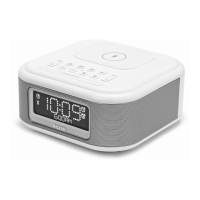
iHome iBTW23 - User Manual

iHome iBTW23
16 pages
Print Icon
To Next Page IconTo Next Page
Loading...
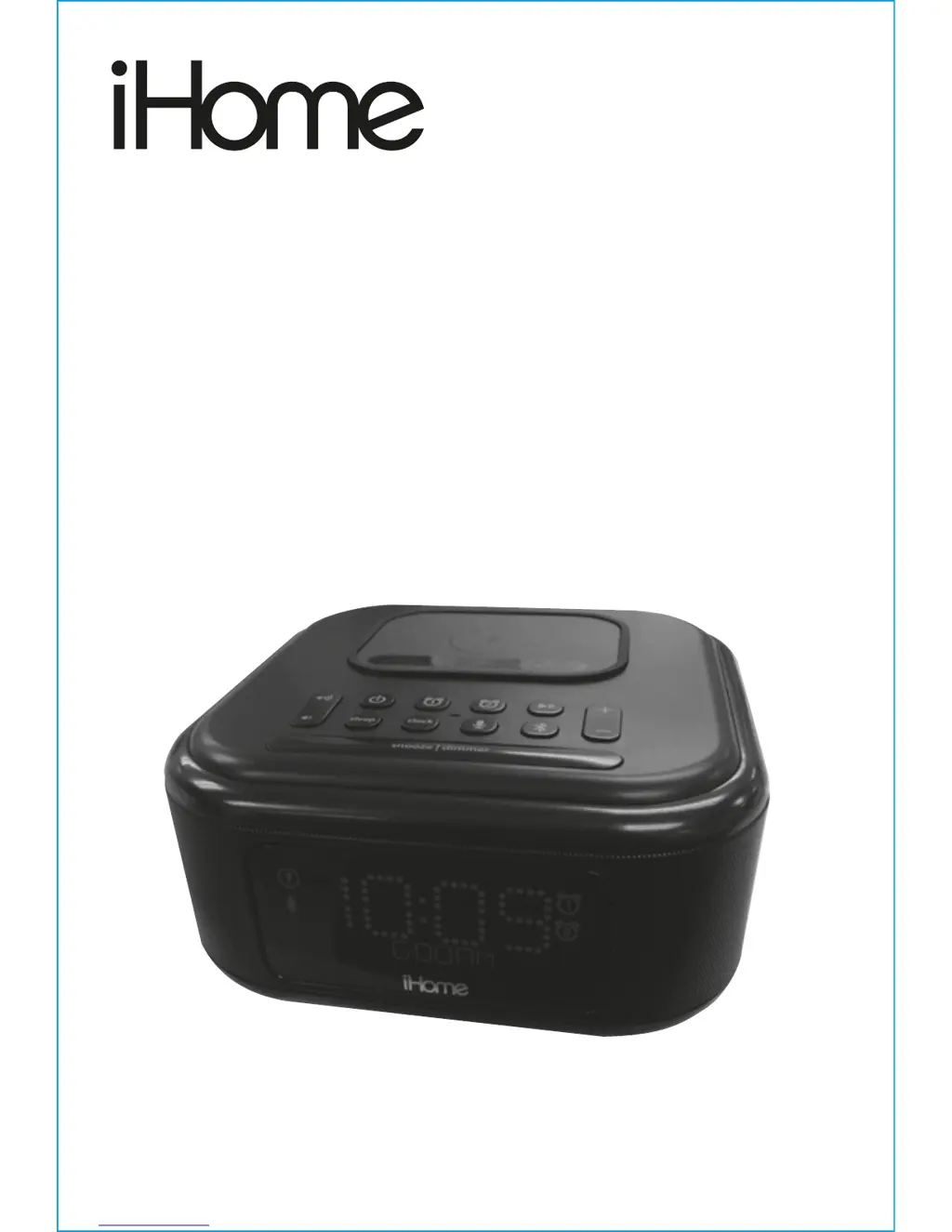
Model iBTW23
Dual alarm Clock with
Qi Wireless Charging and
USB Charge Port
QUESTIONS? Visit www.ihome.com

Other manuals for iHome iBTW23

Questions and Answers

  • B
    bsweeneyJul 28, 2025
    Why is my iHome Alarm Clock device not charging?
    • C
      Collin LyonsJul 28, 2025
      Your iHome Alarm Clock device may not be charging for several reasons. First, ensure the unit is connected to a working power outlet. Also, check that the USB cables are in good condition and properly connected. If you are using wireless charging, confirm that your device supports Qi wireless charging and adjust its placement on the charging pad.
  • M
    Mrs. Anna PalmerAug 2, 2025
    Why my iHome iBTW23 Alarm Clock won’t turn on?
    • B
      Brian MurphyAug 2, 2025
      If your iHome Alarm Clock won’t turn on, the AC adapter may not be properly plugged into a working wall socket. Ensure the AC adapter is plugged into a working wall socket and that the connector is plugged into the supply jack on the unit. Also, check that any associated wall switch controlling the outlet is turned ON.
  • M
    Michael ScottAug 8, 2025
    What to do if my iHome Alarm Clock has no sound?
    • L
      Louis GravesAug 9, 2025
      If your iHome Alarm Clock has no sound, first, check the volume level on your device and turn it up. If the volume is already high, try turning it down, as the sound source may be distorted. If the original sound file (MP3) is old or of poor quality, distortion and noise are easily noticed with high-power speakers. Try upgrading the file from a trusted source such as iTunes.
  • B
    brandtlaurenAug 14, 2025
    What to do if my iHome iBTW23 device is playing but no sound comes out?
    • J
      Jeremiah MurphyAug 14, 2025
      If your device is playing through the iHome Alarm Clock but you hear no sound, ensure the unit is properly connected to an AC power source and that the unit is turned ON. Also, make sure your device is connected properly and try adjusting the volume on both the unit and your device. Finally, check if your device is paused and, if so, press the Play/Pause button.
  • A
    Angela ScottAug 21, 2025
    Why does my iHome iBTW23 have erratic performance?
    • M
      Michelle VazquezAug 21, 2025
      If your iHome Alarm Clock is showing erratic performance, it might be due to external interference. Try moving the unit away from potential sources of interference such as computers, modems, wireless devices (routers), or fluorescent lights.

Summary

Connecting to Power and Battery Management

Backup Battery Initial Setup and Purpose

Explains the CR2450 battery for backup and removing the pull tab before first use.

Backup Battery Replacement and Safety

Backup Battery Replacement Procedure

Details steps for replacing the backup battery and critical safety warnings for lithium batteries.

Setting Time, Date, and DST

Clock and Calendar Setting Guide

Step-by-step guide to set the current time, AM/PM, 12/24 hour format, year, month, and day.

Alarm Configuration and Usage

Setting Alarm Times and Schedules

Instructions for setting both alarm 1 and alarm 2, including time, schedule, and wake source.

Charging Methods

Qi Wireless Charging Operation

Instructions on how to wirelessly charge Qi-compatible phones, including placement and indicator meanings.

USB Charging Port Functionality

Information on using the 1 Amp USB port to charge external devices while the unit is powered.

Bluetooth Connectivity and Audio

Bluetooth Device Pairing Process

Step-by-step guide to pair a Bluetooth-capable device with the iBTW23 for audio playback.

Bluetooth Audio and Speakerphone

Playing Audio via Bluetooth

How to play audio from a paired Bluetooth device, including track navigation and volume control.

Troubleshooting Common Issues

Important Safety Information

Continued Safety and Interference Guidelines

iHome iBTW23 Specifications

General IconGeneral
BrandiHome
ModeliBTW23
CategoryAlarm Clock
TypeBluetooth Alarm Clock
BluetoothYes
FM RadioYes
USB Charging PortYes
Dual AlarmYes
Battery BackupYes
Display TypeLED
Power SourceAC Adapter
Bluetooth VersionBluetooth 5.0

Related product manuals