EasyManua.ls Logo

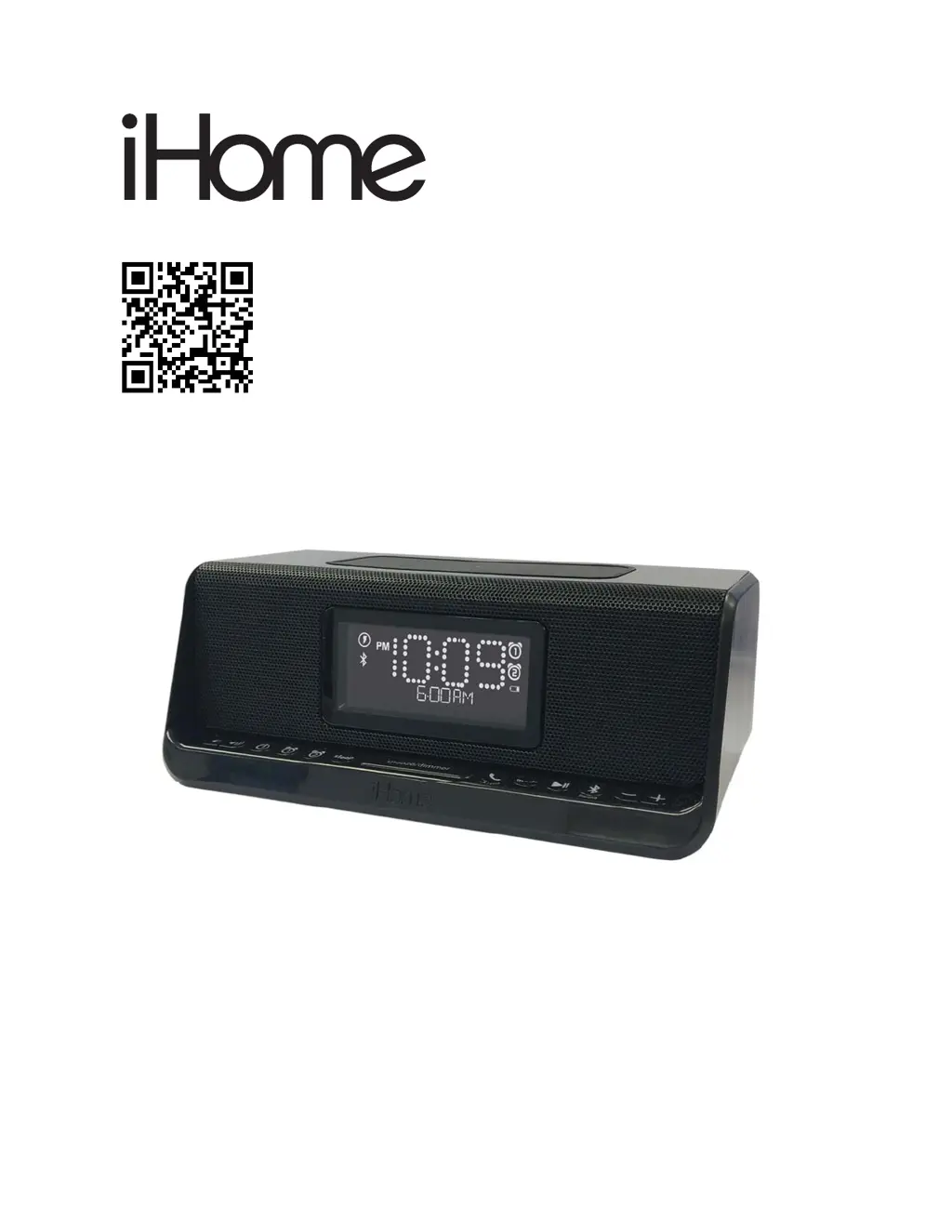
iHome iBTW450 - User Manual

iHome iBTW450
16 pages
Print Icon
To Next Page IconTo Next Page
Loading...
Model: iBTW450
Dual Charging Stereo Speaker
System + Dual Alarm
QUESTIONS? Visit www.ihome.com/support

Questions and Answers

  • T
    Tina FowlerJul 29, 2025
    What to do if my device does not respond to iHome Alarm Clock?
    • A
      Amber OwenJul 29, 2025
      If your device isn't responding to the iHome Alarm Clock, or if the device is playing but there's no sound, ensure the unit is properly connected to a power source and that it's turned on. Try adjusting the volume on both the unit and your audio device. Press the Mode button to select either BT or AUX mode. You might also want to try pressing the Play/Pause button.
  • B
    brandonmatthewsAug 7, 2025
    What to do if iHome iBTW450 has erratic performance?
    • S
      Shane WileyAug 7, 2025
      If you're experiencing erratic performance with your iHome Alarm Clock, it might be due to external interference. Try moving the unit away from potential sources of interference, such as computers, modems, wireless routers, or fluorescent lights.
  • A
    Alicia HardingAug 17, 2025
    Why is there no sound from my iHome iBTW450 Alarm Clock?
    • T
      timothy82Aug 17, 2025
      If there's no sound coming from your iHome Alarm Clock, the volume might be too low. Try turning up the volume on your device.

Summary

Welcome and Getting Started

Getting Started

Lists the items included with the iBTW450 speaker system.

Features and Functions Overview

Top Panel Controls

Details the buttons and wireless charging pad on the top of the unit.

Back Panel Connections

Details the various jacks and buttons on the back of the unit.

Display Indicators Explained

Explains the indicators and information shown on the unit's display.

Connecting AC Adapter

Backup Battery Installation and Replacement

Setting the Time and Date

Setting Daylight Saving Time (DST)

Explains how to use the DST switch for time adjustments.

Setting and Using Alarms

Snooze, Dimmer, and Sleep Mode Operations

Wireless and USB Charging

Bluetooth Connectivity and Usage

Pairing Your Bluetooth Device

Steps to pair a Bluetooth device with the iBTW450.

Listening to Bluetooth Audio

How to play audio via Bluetooth and control playback.

Using the Speakerphone Feature

Instructions for using the speakerphone function via Bluetooth.

Listening to AUX Devices

Maintenance Guidelines

Troubleshooting Common Issues

Important Safety Instructions

FCC and Canada Regulatory Information

Details FCC and Industry Canada compliance and RF exposure.

Limited 1 Year Warranty Information

iHome iBTW450 Specifications

General IconGeneral
Product TypeAlarm Clock
BrandiHome
ModeliBTW450
BluetoothYes
FM RadioYes
USB Charging PortYes
Display TypeLED
Dual AlarmYes
Snooze FunctionYes
Battery BackupYes
Power SourceAC Adapter
SpeakerphoneYes
CompatibilityiOS and Android
Bluetooth VersionBluetooth 5.0

Related product manuals