P8
4
Playing Audio Via Bluetooth
1. Press and release the Button to turn on the unit. The Button light will flash blue as the
unit searches for a previously paired device, and then turn solid blue when a previously
paired device is detected.
2.
Press and release the Button on the unit to play or pause audio from your Bluetooth device.
3. Use the Volume Buttons on the unit to adjust volume.
4. When done listening, press the Button to turn the unit off.
Playing and Charging Your Docked iPhone or iPod
1. Press the Button to select iPod/Line-in mode.
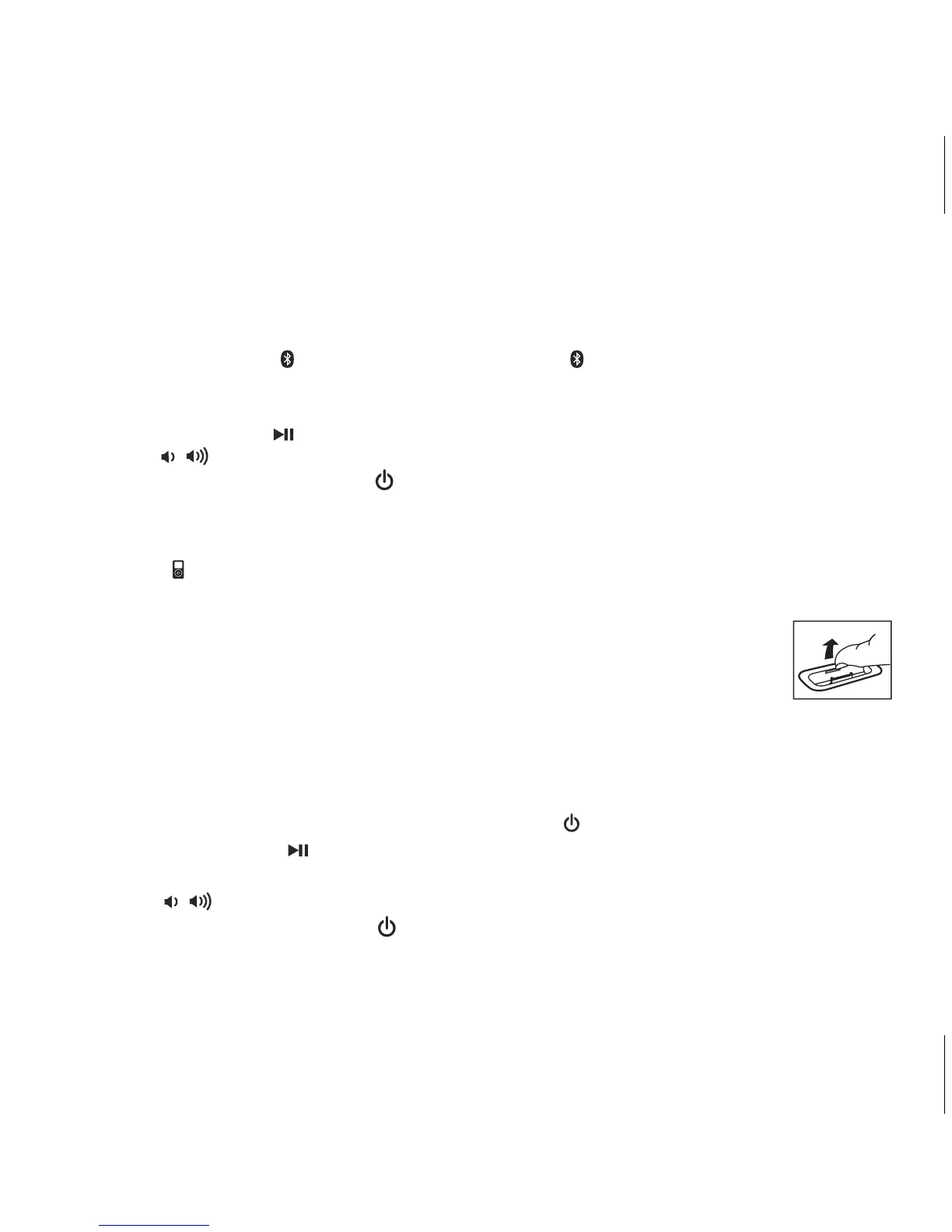
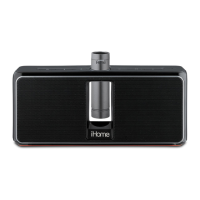
2. Select the included insert for your iPhone or iPod model and press it gently into the dock.
(Inserts provide the best stability. However, if you have a different model iPhone
or iPod, you can still dock it, provided you always do so carefully and gently.If
you prefer to dock using an insert, please contact iHome at 1-800-288-2792
to purchase one.) To remove an insert, place a thumbnail in the slot, press in
and pull gently upwards.
3. Gently dock your playing iPhone or iPod into the dock on top of the unit. In a moment, the
unit will power on and you will hear the audio from your iPhone/iPod. While docked and
unit is connected to AC power source, your iPhone or iPod will charge until fully charged.
4. If your iPhone or iPod is not in play mode, press the Button to turn on the unit.
5. Press and release the Button to play or pause your iPhone/iPod. Use iPod transport
controls on your iPhone or iPod to skip tracks, advance, etc.
6. Use the Volume Buttons to adjust volume.
7. When done listening, press the Button to turn the unit off.


 To Next Page