EasyManua.ls Logo

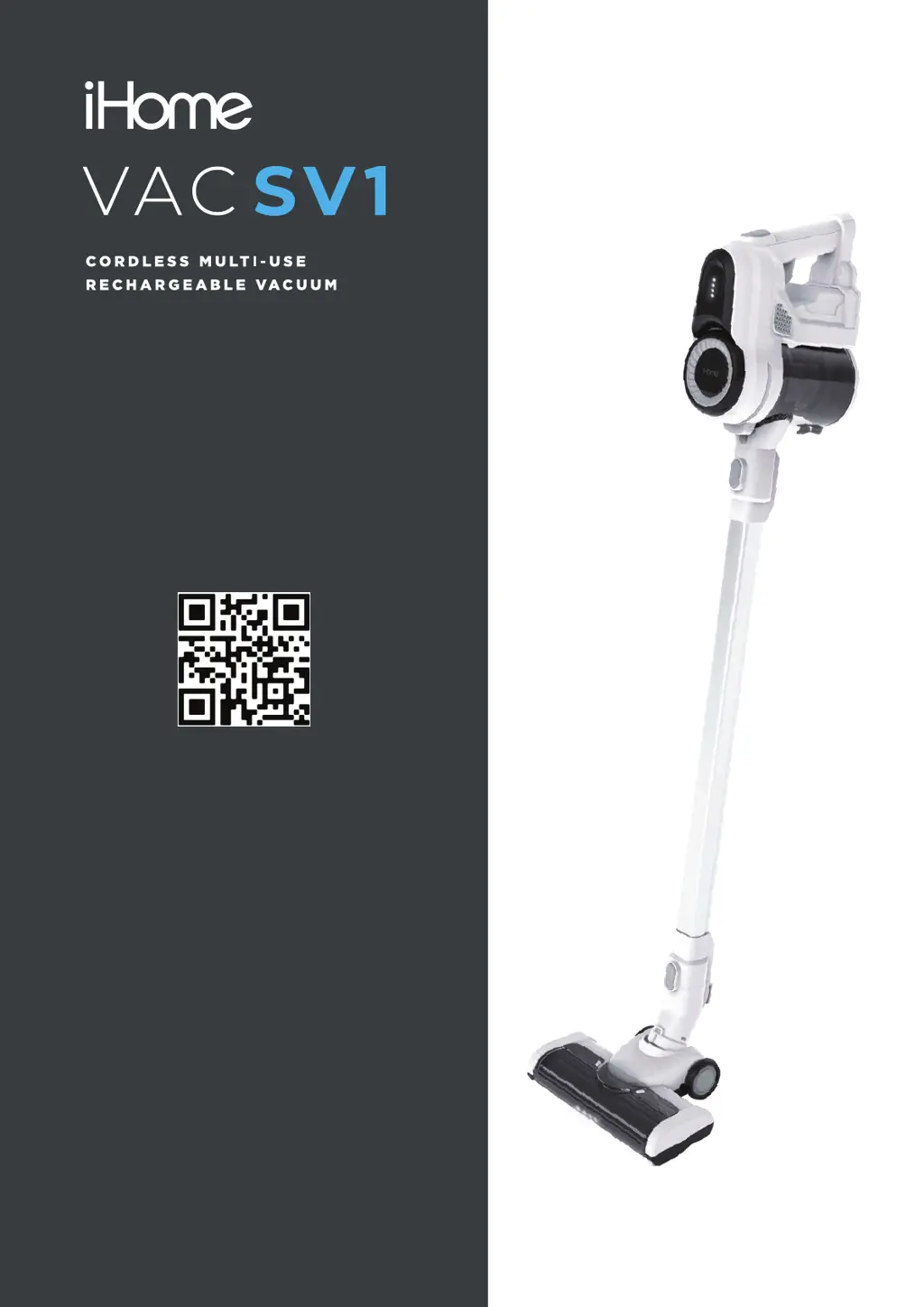
iHome VAC SV1 - User Manual

iHome VAC SV1
12 pages
Print Icon
To Next Page IconTo Next Page
Loading...
Owner’s Guide
Model iHSV1
For support content and the latest digital
copy of this manual, scan the QR code
above or visit ihomeclean.com

Questions and Answers

  • V
    Vanessa PowellAug 6, 2025
    What to do if my iHome Vacuum Cleaner battery will not charge?
    • V
      Vanessa WhiteAug 6, 2025
      If your iHome Vacuum Cleaner battery isn't charging, ensure the adapter is fully inserted into both the battery jack and the power source. Verify that the power source is functioning by plugging another device into it. If the issue persists, the adapter or battery may be faulty, and you can visit www.ihomeclean.com to purchase a replacement.
  • D
    Debra BentonAug 13, 2025
    How to fix an iHome Vacuum Cleaner that does not power on?
    • B
      Beth PhillipsAug 14, 2025
      If your iHome Vacuum Cleaner isn't powering on, the battery may be depleted; try charging it. If the battery no longer holds a charge, you can purchase a new one at www.ihomeclean.com. Also, make sure the battery isn't still connected to the adapter or that the vacuum isn't on the charging mount (standby mode); disconnect the battery or remove the vacuum from the mount.
  • M
    Michael HarrisAug 21, 2025
    Why is my iHome VAC SV1 Vacuum Cleaner making abnormal motor noise?
    • C
      Christopher LaraAug 21, 2025
      Abnormal motor noise in your iHome Vacuum Cleaner may indicate a blockage that is overworking the motor. Inspect the dust canister, filters, metal tube, brush roller, or attachments for any obstructions and remove any debris you find.
  • P
    Patrick OrozcoAug 28, 2025
    Why does my iHome VAC SV1 Vacuum Cleaner have weak suction?
    • C
      Catherine RodriguezAug 28, 2025
      Weak suction power in your iHome Vacuum Cleaner can stem from several causes. First, the dust canister might be full, so try emptying it. Clogged filters are another common reason; remove, wash, and dry them before reinstalling. Also, check if the brush roller is entangled with hair and debris, and clean it if necessary. Ensure the filters are correctly aligned and properly installed. Finally, a blocked tube or attachment can restrict suction; remove the metal tube and attachments to clear any blockages.

Summary

Safety Information

General Safety Warnings

Key safety instructions and precautions to prevent electric shock, fire, or injury during use.

FCC Compliance Information

Details on device compliance with FCC rules and guidelines for interference.

Product Overview

Component Identification

Diagram and list of all parts and accessories included with the vacuum cleaner.

Getting Started

Vacuum Assembly

Step-by-step instructions for assembling the vacuum cleaner components.

Battery Charging Methods

Guidance on charging the vacuum battery, both without and with the wall mount.

Installing the Wall Mount

Optional Wall Mount Installation

Instructions and warnings for installing the optional charging wall mount securely.

Using Your Vacuum

Vacuum Operation

Instructions on how to turn the vacuum on/off and adjust speed modes.

Maintenance Procedures

Emptying the Dustbin

Guide on how to properly empty the dustbin for optimal performance.

Cleaning the Filter System

Detailed steps for cleaning the HEPA, sponge, and screen filters.

Cleaning the Floor Brush

Instructions for removing and cleaning debris from the floor brush.

Troubleshooting

Common Issues and Solutions

Table outlining common problems, their causes, and recommended solutions.

Warranty Information

One Year Limited Warranty

Details of the limited warranty coverage, terms, conditions, and exclusions.

Claiming Warranty Support

Procedure for initiating a warranty claim and contact information.

iHome VAC SV1 Specifications

General IconGeneral
BrandiHome
ModelVAC SV1
CategoryVacuum Cleaner
LanguageEnglish

Related product manuals