Additional Budii
™
Tablet 16
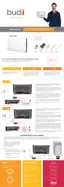
8. Wait a few moments while your tablet
connects to the Budii™ home network.
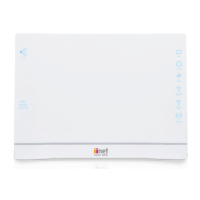
When the tablet has finished connecting,
you’ll see something like this.
9. The strength of your Wi-Fi connection is
shown by the Wi-Fi icon:
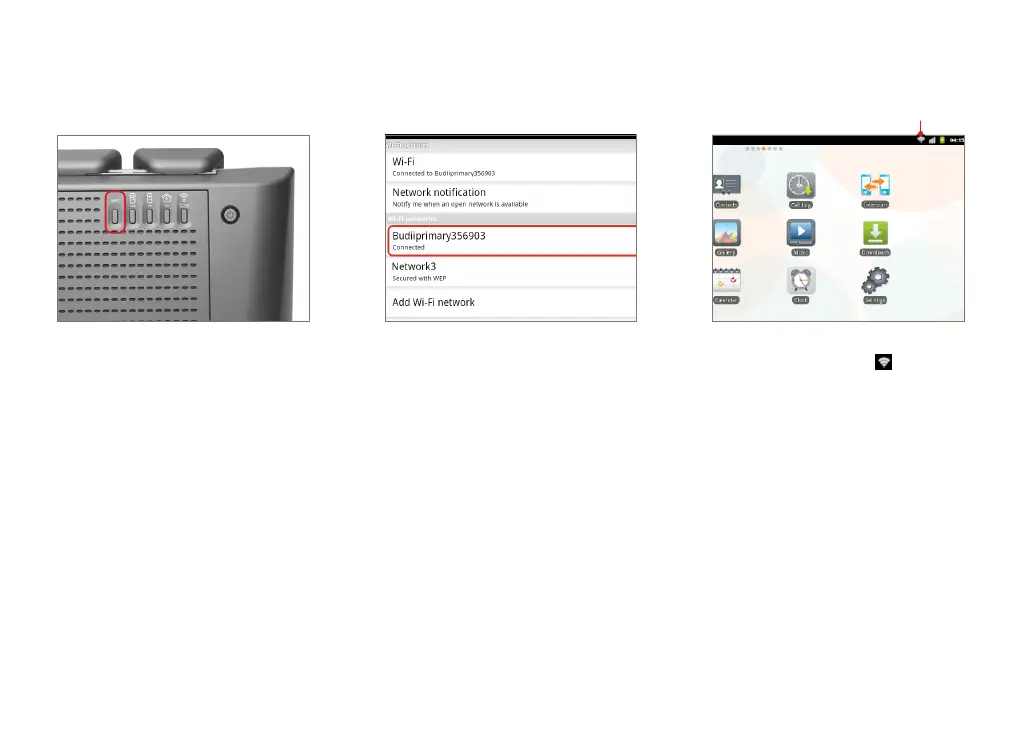
7. For this step, go to your Budii™ Modem.
Press and hold the WPS button on the
Budii™ Modem’s back panel for 5 seconds.
CONNECTION STRENGTH


 To Next Page