8Getting started with your Budii
™
Tablet
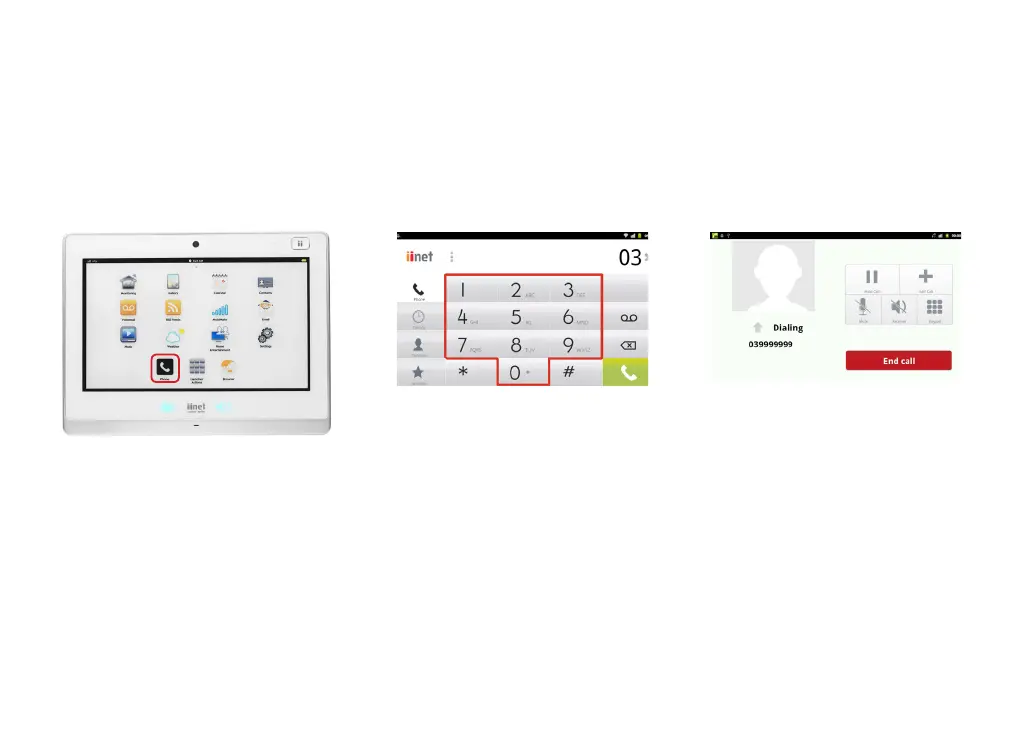
MAKING A PHONE CALL
To make a phone call with your Budii™ Tablet:
1. With your Budii™ Tablet turned on, press
the Phone icon.
3. Calls you make with your tablet are
hands-free - so simply rest the tablet
on your desk and talk. Press End Call
to hang up.
2. From the number keypad, type the
number you want to call. Press the green
Phone icon when you’ve finished typing.



 To Next Page